![Untitled design (1)-Aug-01-2022-12-37-27-80-PM.png]](https://help.syscloud.com/hs-fs/hubfs/Untitled%20design%20(1)-Aug-01-2022-12-37-27-80-PM.png?height=40&name=Untitled%20design%20(1)-Aug-01-2022-12-37-27-80-PM.png)
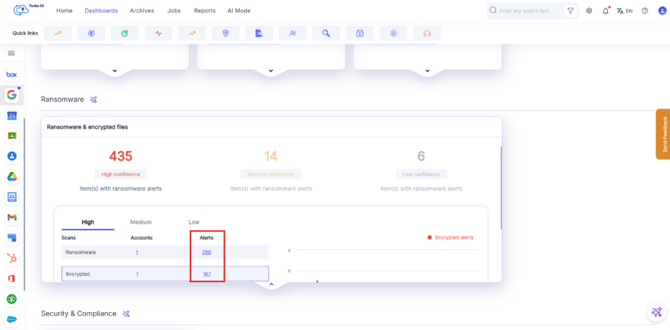
Step 1: From the “Dashboards” page, select the ransomware/encrypted alert in the ransomware widget to open the ransomware search results page.
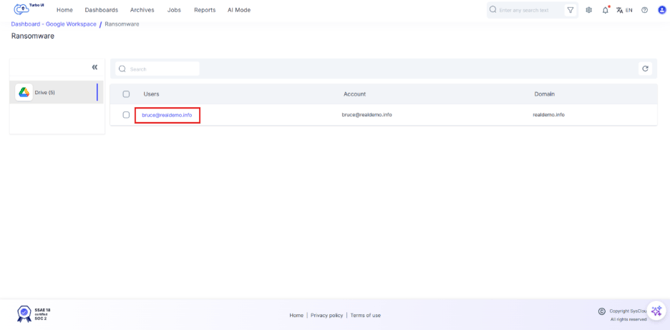
Step 2: Select the specific user under which the file(s) you want to delete are listed.
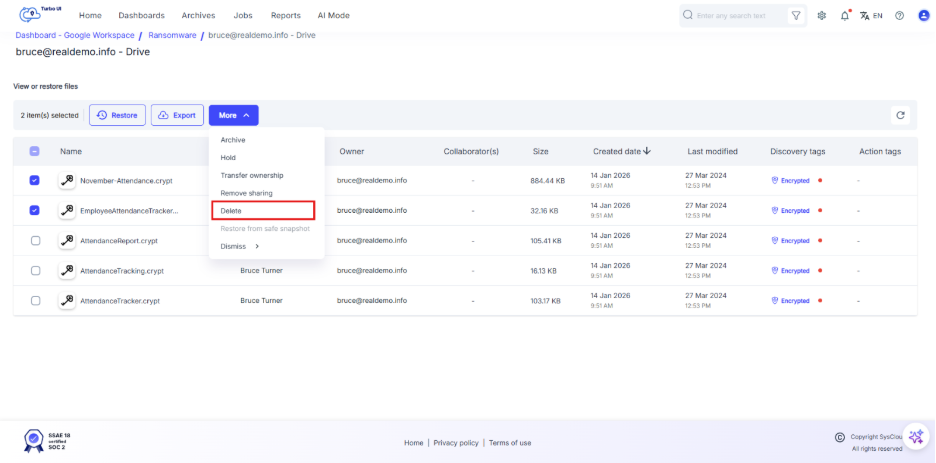
Step 3: Select the file(s) you want to delete, then select “More” and choose “Delete”.
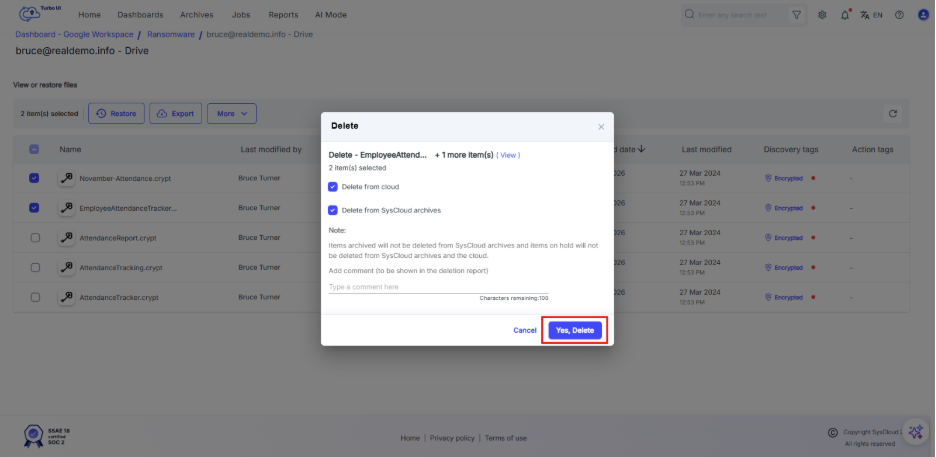
Step 4: In the confirmation dialog, choose where you want to delete the file(s):
- Delete from cloud
- Delete from SysCloud archives
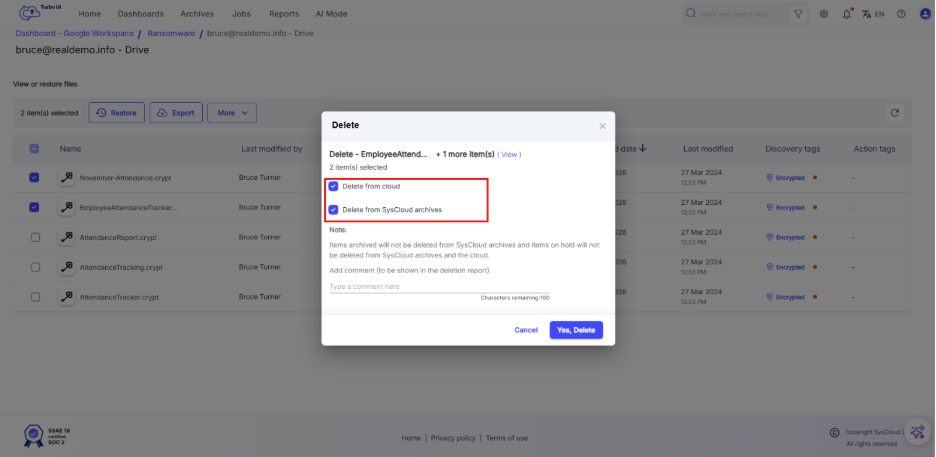
Step 5: Select “Yes, Delete” to confirm. The selected file(s) will be deleted based on the option(s) you chose.