![Untitled design (1)-Aug-01-2022-12-37-27-80-PM.png]](https://help.syscloud.com/hs-fs/hubfs/Untitled%20design%20(1)-Aug-01-2022-12-37-27-80-PM.png?height=40&name=Untitled%20design%20(1)-Aug-01-2022-12-37-27-80-PM.png)
Step 1: Log in to your SysCloud account.
Step 2: Click "Jobs" from the top menu bar.
Step 3: Enter a job name and a description (optional). Click "Next".
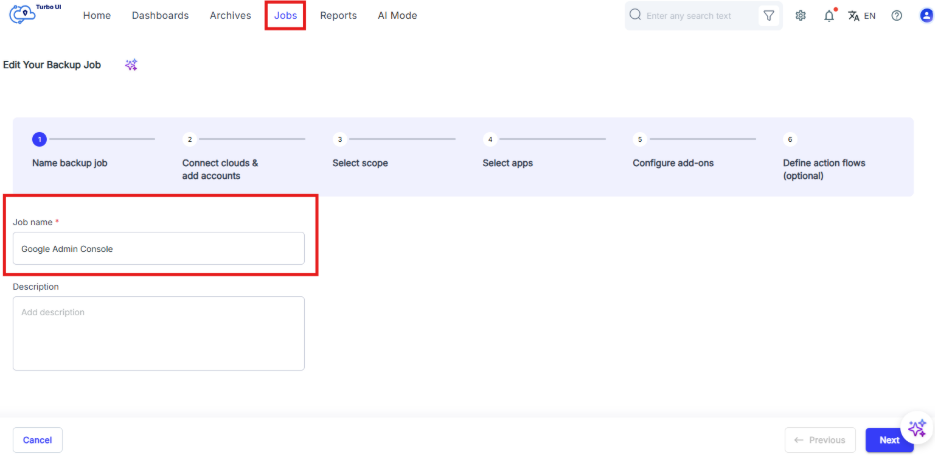
Step 4: Click the "Connect" option beside Google Admin Console from the Clouds list.
Note: To complete the Google Admin Console connection, you have to create the client credentials in Google Cloud, validate the credentials and the perform admin authorization.
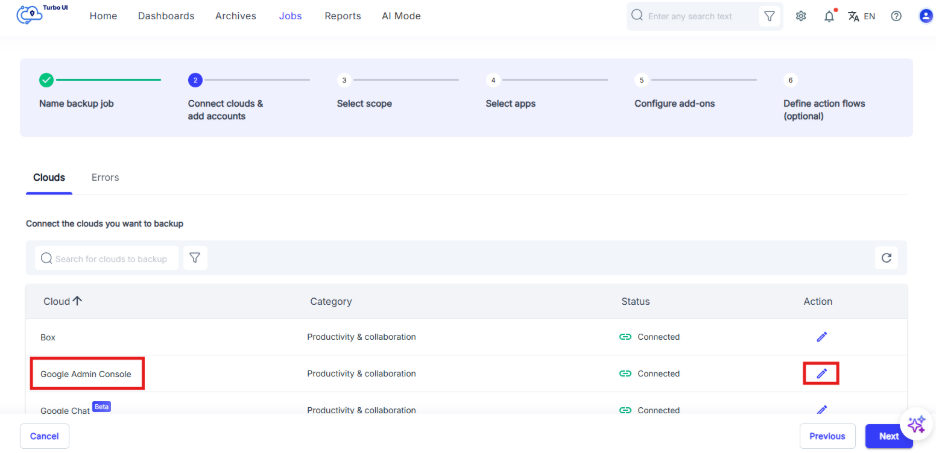
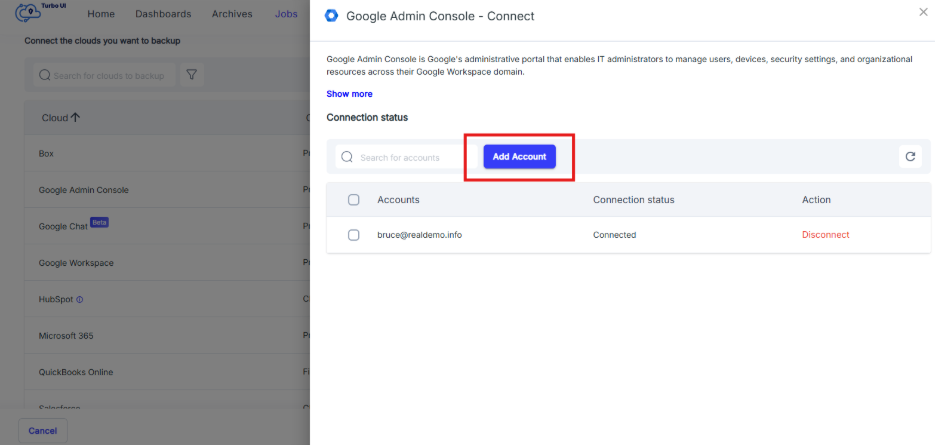
Step 5: Click "Add account".
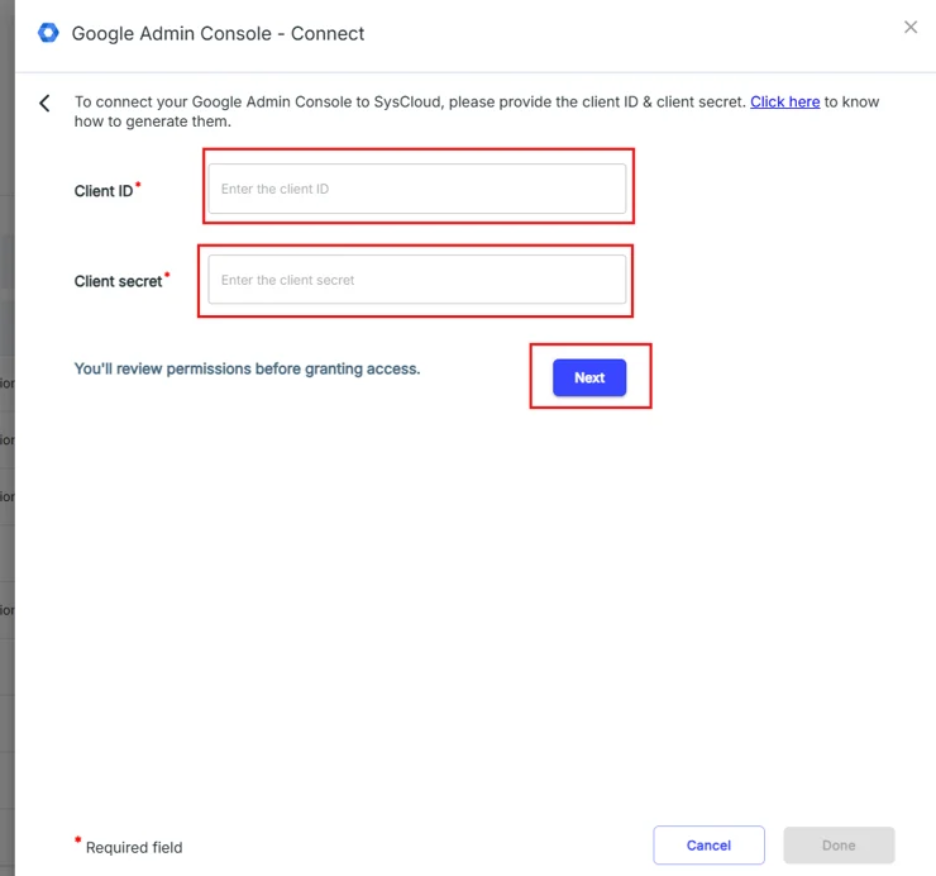
Step 6: Enter the client ID and client secret
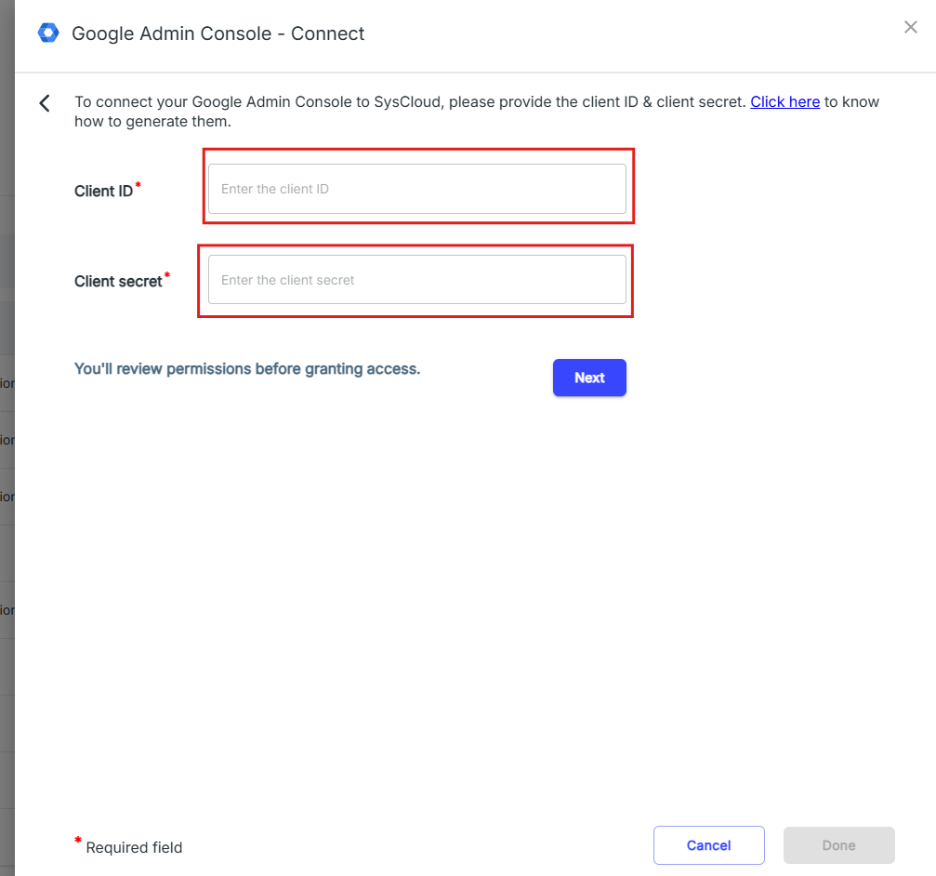
To create Client ID and Client Secret, ensure to follow the following steps :-
1. Create a Google Cloud Project & Add scopes
2. Create the OAuth client credentials
Step 7: Click on 'Next' and credential validation will start.
Step 8: If they are successfully validated, you will see an 'Authorize admin access' button. If the validation fails, please recheck the credentials and try again. If that doesn't work, create a new set of credentials.