![Untitled design (1)-Aug-01-2022-12-37-27-80-PM.png]](https://help.syscloud.com/hs-fs/hubfs/Untitled%20design%20(1)-Aug-01-2022-12-37-27-80-PM.png?height=40&name=Untitled%20design%20(1)-Aug-01-2022-12-37-27-80-PM.png)
Use cross-user restore when you want to restore one user’s backed-up Box data to another user account.
Steps to perform cross-user restore
Step 1: Log in to the SysCloud backup application.
Step 2: From the top navigation menu, click Archives.
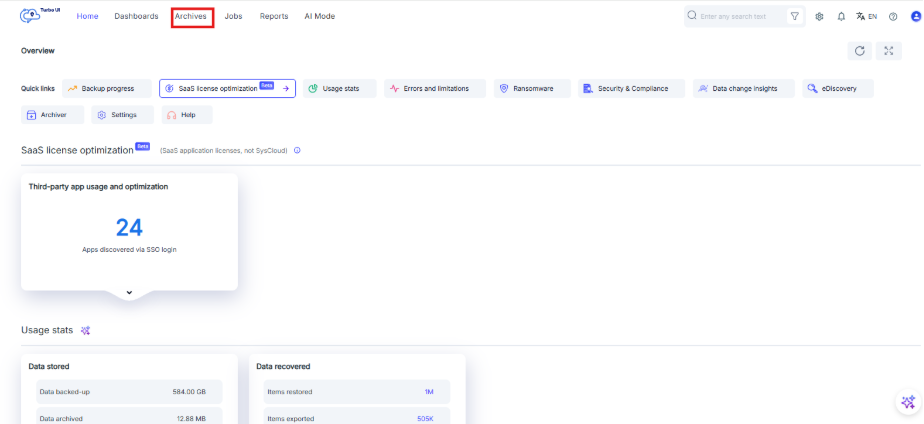
Step 3: From the left-side cloud navigation bar, select Box.
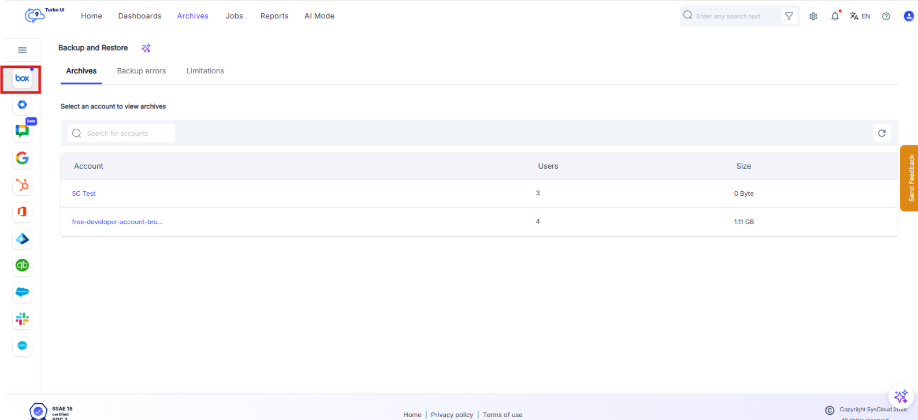
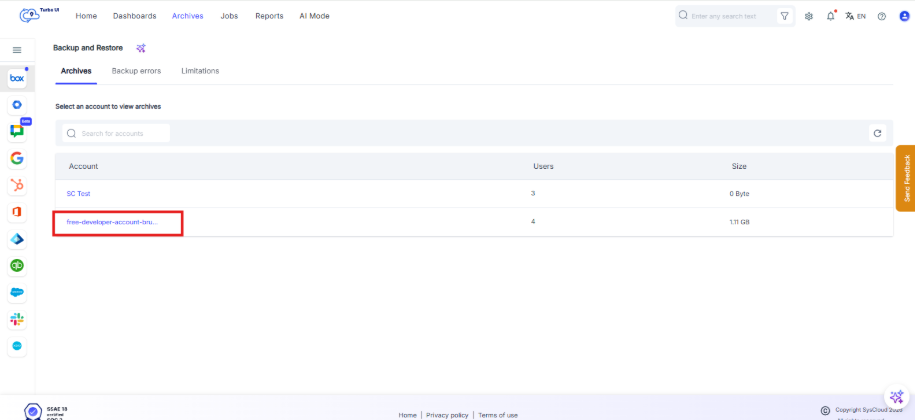
Step 4: Select the required Box account.
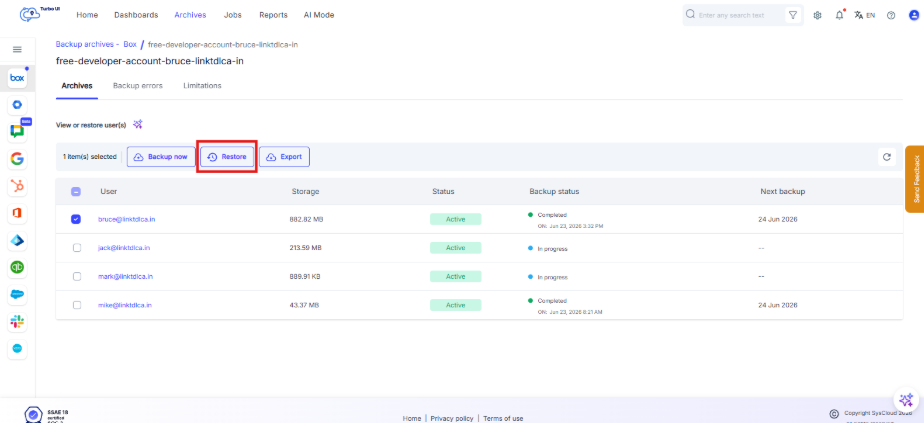
Step 5: Select the checkbox next to the Box user whose backed-up data you want to restore.
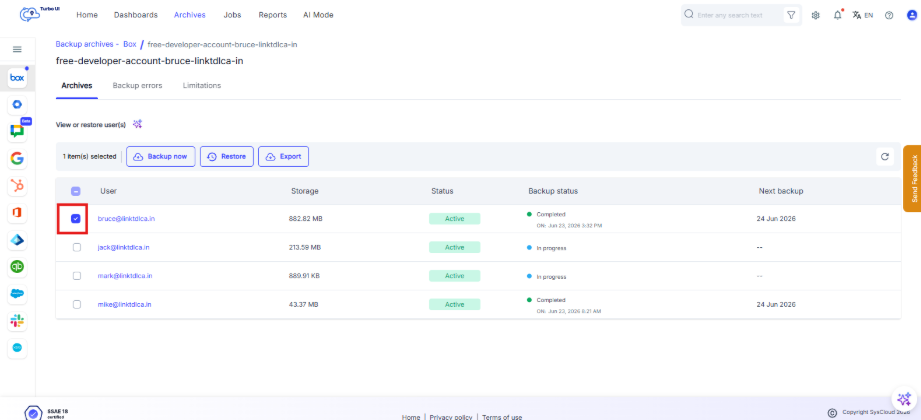
Step 6: Click Restore.
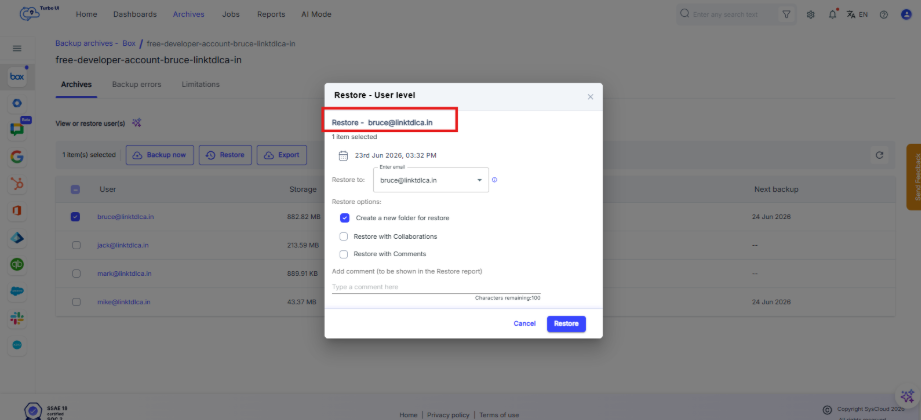
Step 7: In the Restore - User level pop-up window, verify the selected source user account.
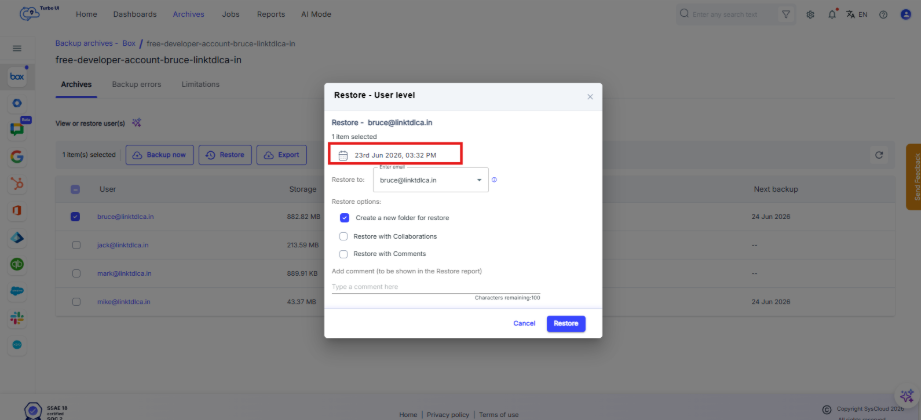
Step 8: Verify the snapshot date. To restore data from a different backup point, click the snapshot date and select the required date and time.
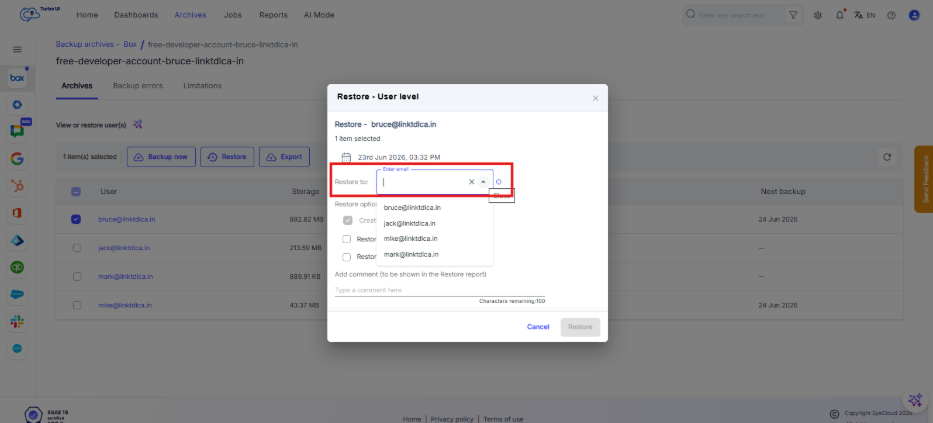
Step 9: In the Restore to field, select the target Box user account where the data should be restored. For cross-user restore, select a user different from the source user, but belonging to the same Box account.
- By default, the account being restored is selected as the target account
- If no user is selected, the restored is done to the account being restored
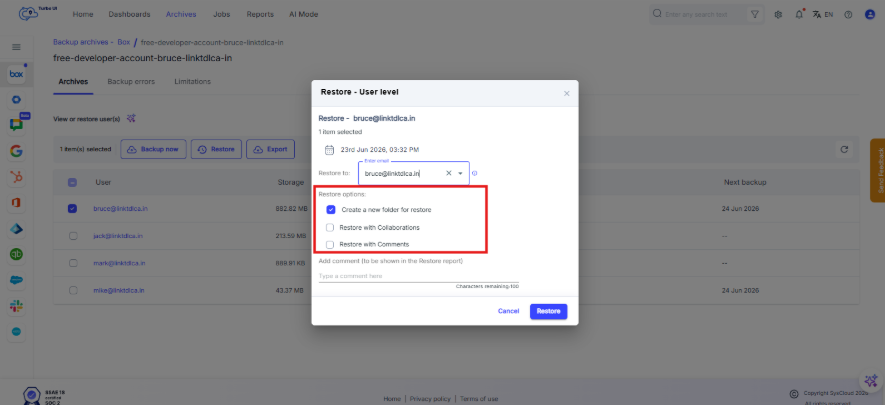
Step 10: Select the required restore options:
- Create a new folder for restore: Restores the selected user archive inside a new restore folder in the target user account.
- Restore with Collaborations: Restores collaboration or sharing information associated with the backed-up Box data.
- Restore with Comments: Restores Box comments associated with the backed-up data.
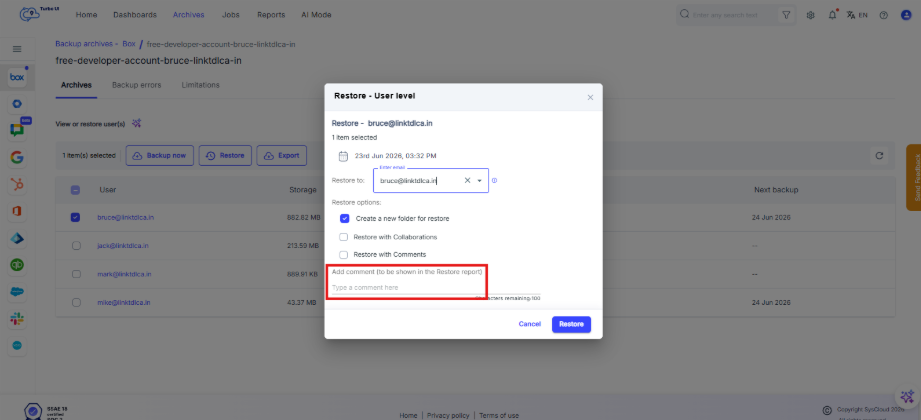
Step 11: Optional: Add a comment in the Add comment field. This comment will appear in the restore report.
Step 12: Click Restore.
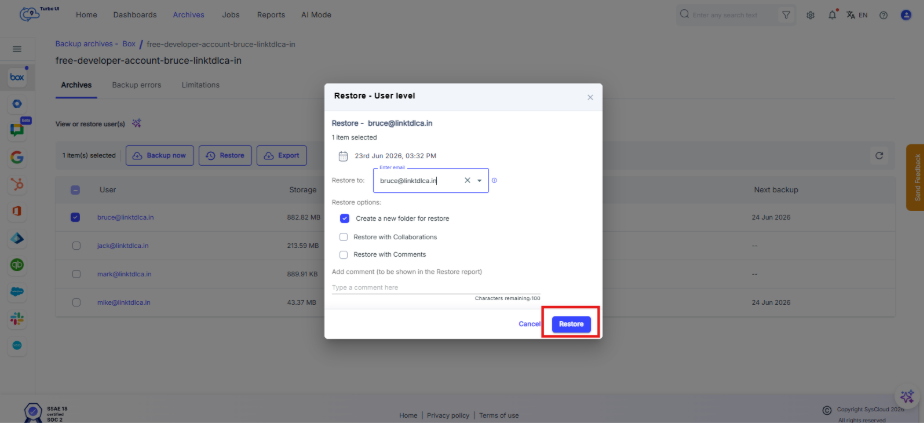
The account-level restore will be initiated for the selected Box user archive.
View restore status
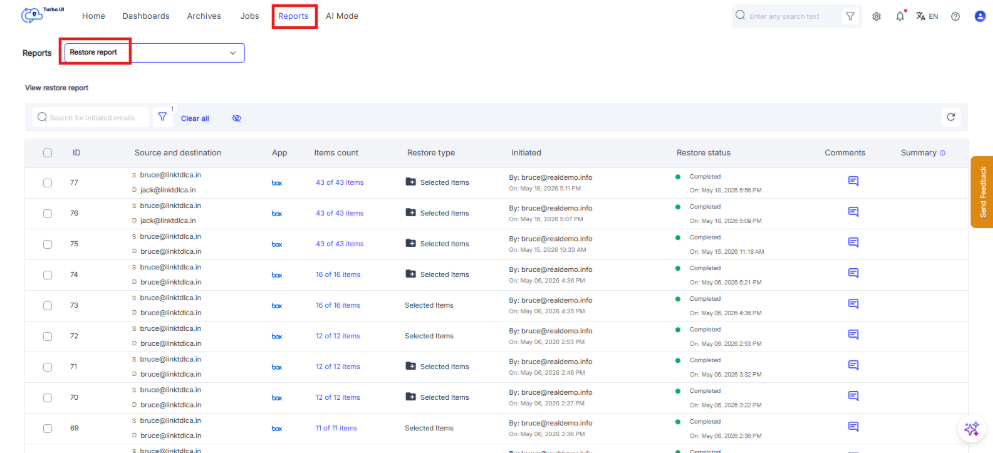
Go to Reports > Restore report to check the restore status.
Please note that the target account should be in active state and not suspended at the time of restore.