![Untitled design (1)-Aug-01-2022-12-37-27-80-PM.png]](https://help.syscloud.com/hs-fs/hubfs/Untitled%20design%20(1)-Aug-01-2022-12-37-27-80-PM.png?height=40&name=Untitled%20design%20(1)-Aug-01-2022-12-37-27-80-PM.png)
SysCloud does not support previewing archived items within the backup archives. However, it is possible to export these items to a local device and review the data offline.
To do so – first, locate the archived content and then export the items.
To identify items archived, use any of the following approaches -
1. Dashboard:
a. Click on the Archiver quick link from the main dashboard.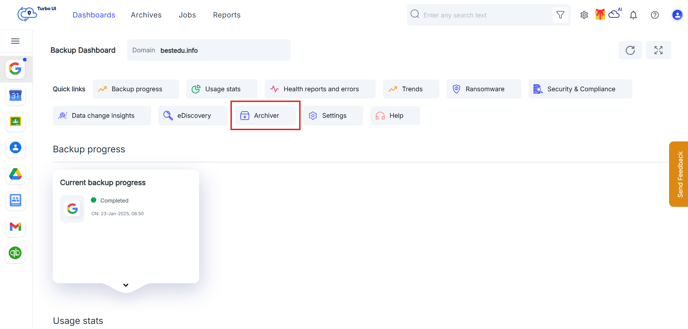
To identify items archived, use any of the following approaches -
1. Dashboard:
b. In the Items archived widget, select the aggregate count to access a consolidated view.
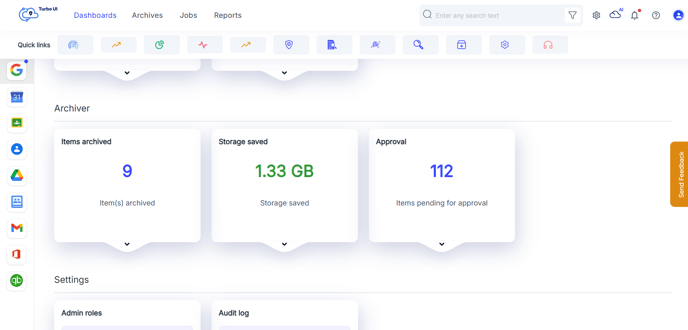
c. This view displays an overall summary of archived items across different applications and users.
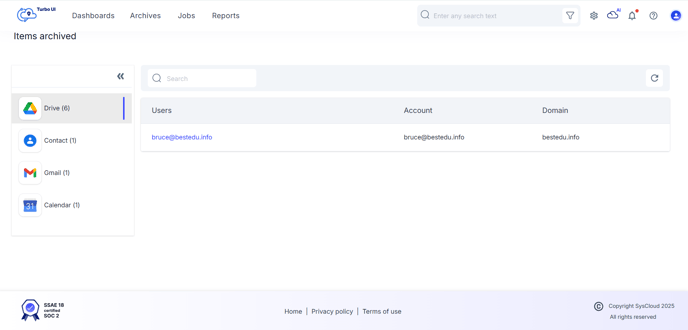
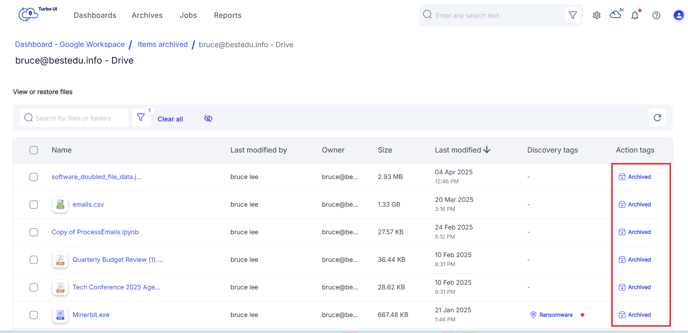
d. Select "User name" to drill down to a specific user or application.
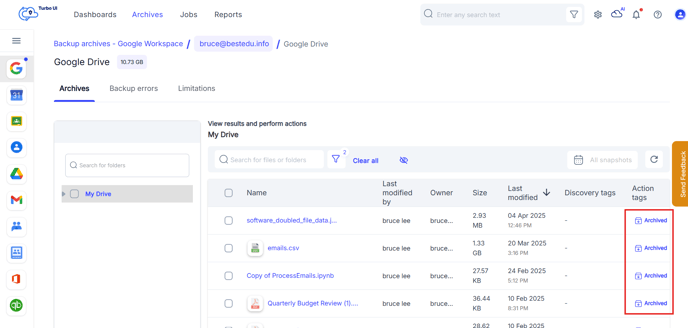
e. Archived items are marked with an Archived tag in the resulting list.
2. Archives
a. In User-Level Archives, use the Archived Content filter to locate users and applications with archived data.
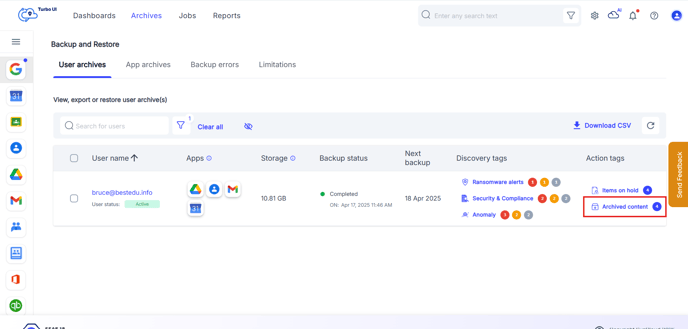
b. In App-Level Archives, similarly select Archived Content to see the archived items list.
c. Each archived item is labeled with an Archived tag for easy identification.
To export data -
1. Select the items you want to preview on a local device.
2. Click on Export.
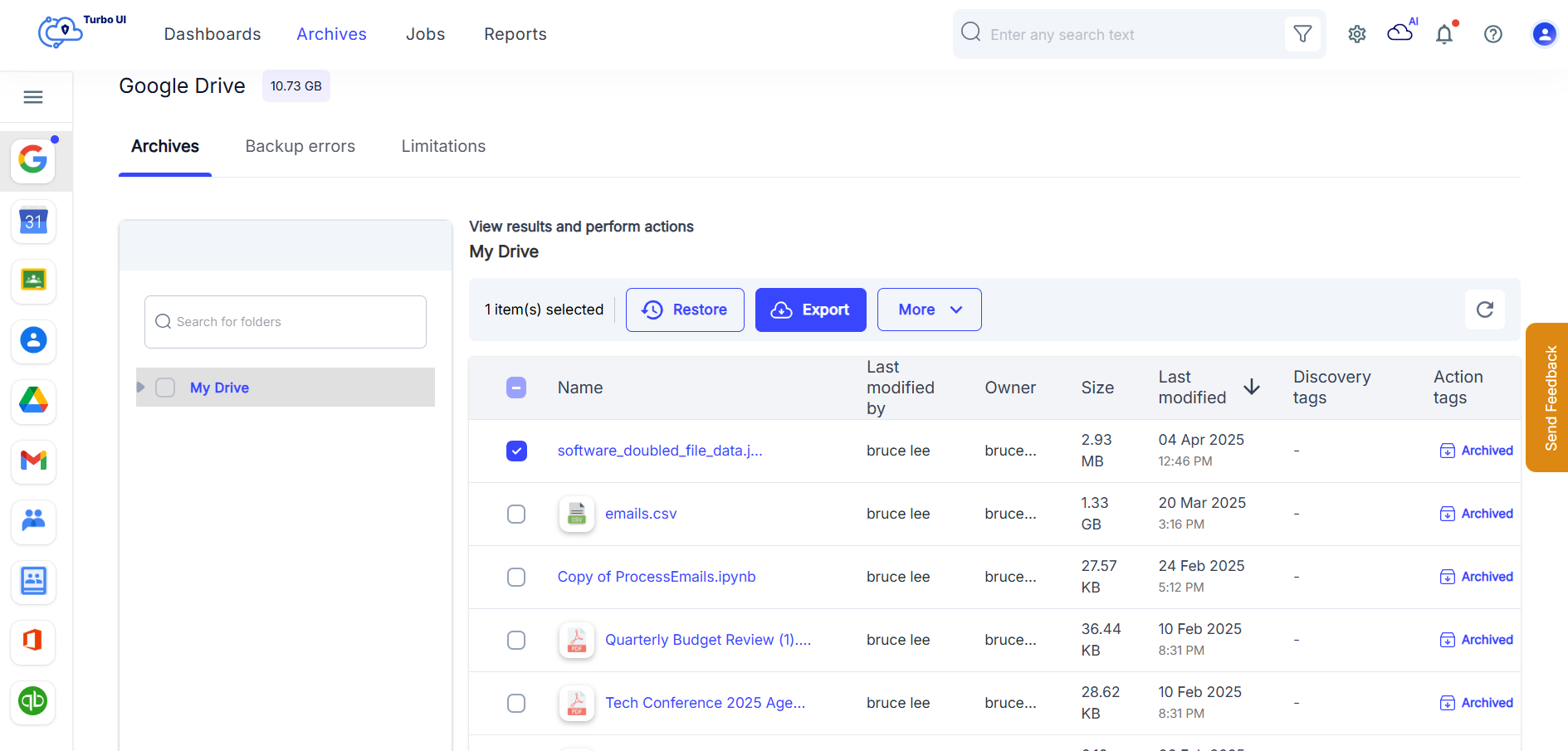
3. View the export report for status. Once the status is complete, a link will be generated. Click on that link to download the items.
Note: The download link will expire in 30 days.