![Untitled design (1)-Aug-01-2022-12-37-27-80-PM.png]](https://help.syscloud.com/hs-fs/hubfs/Untitled%20design%20(1)-Aug-01-2022-12-37-27-80-PM.png?height=40&name=Untitled%20design%20(1)-Aug-01-2022-12-37-27-80-PM.png)
If you no longer want a user to have admin privileges in SysCloud, you can remove their admin role by following these simple steps:
Steps to Disable Admin Access:
- Log in to the SysCloud backup application using your admin credentials.
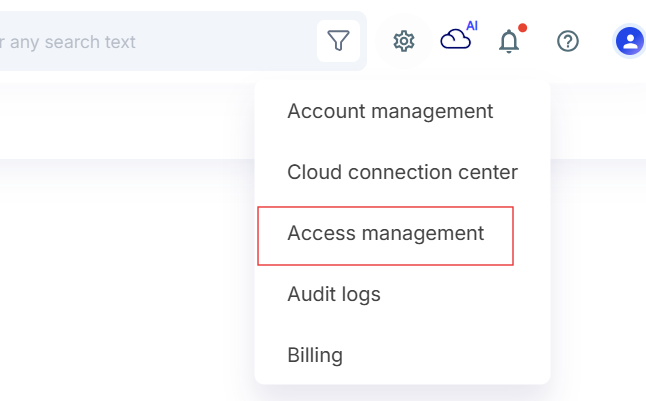
- Go to Settings icon at the top right and click Access Management.
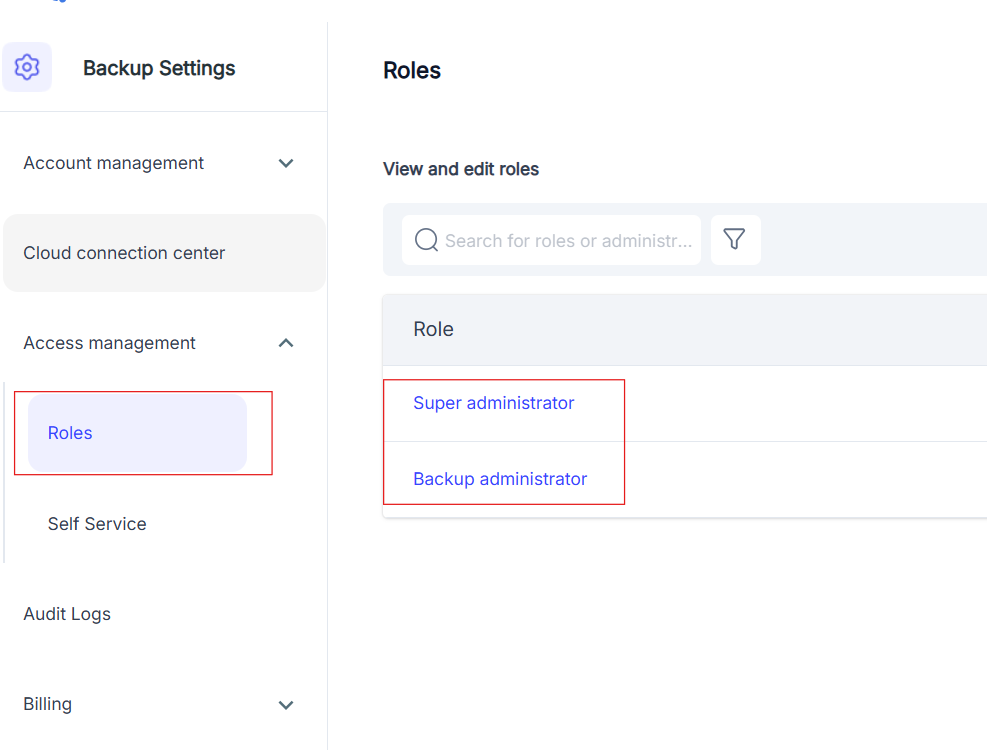
- Choose either Backup Administrator or Super Administrator based on the role you want to remove.
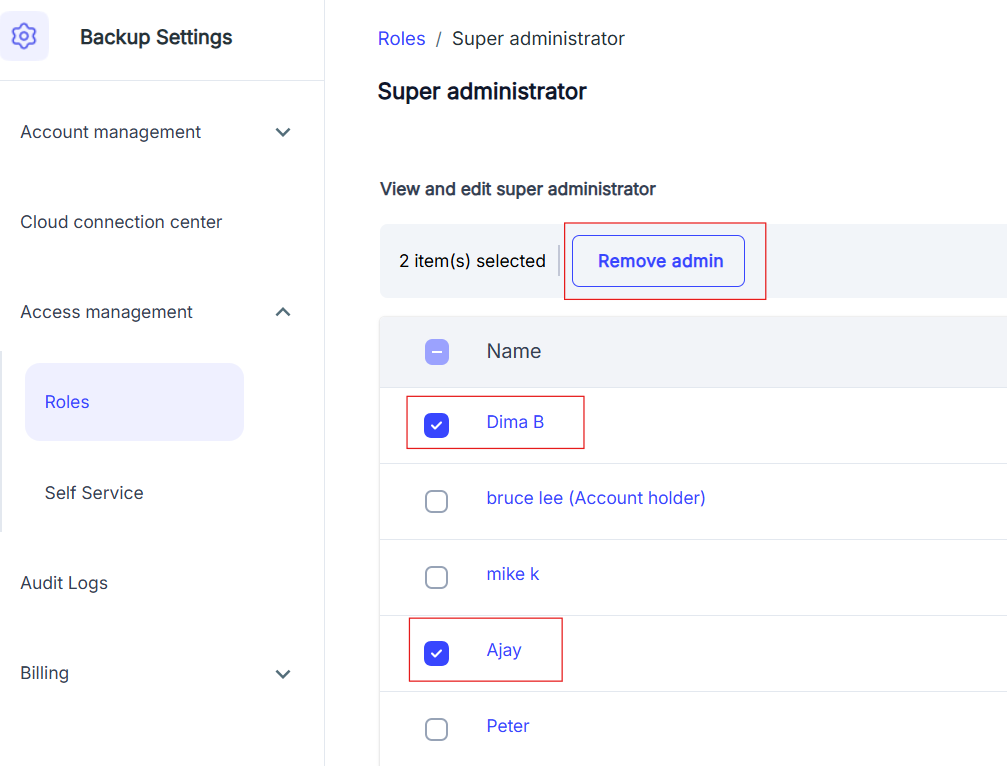
- Select the user by checking the box next to their name, then click Remove Admin.
- In the confirmation popup, click Delete to confirm the removal.