![Untitled design (1)-Aug-01-2022-12-37-27-80-PM.png]](https://help.syscloud.com/hs-fs/hubfs/Untitled%20design%20(1)-Aug-01-2022-12-37-27-80-PM.png?height=40&name=Untitled%20design%20(1)-Aug-01-2022-12-37-27-80-PM.png)
1. Log in to your SysCloud Account.
2. Select the “Manage Domain & Users” tab from the panel on the left-hand side of your Encryption Dashboard.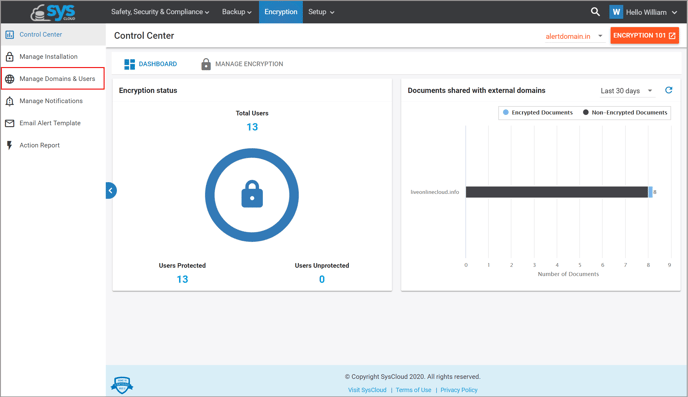
3. Click on the number of users that is shown next to the “Select users & teams” radio button.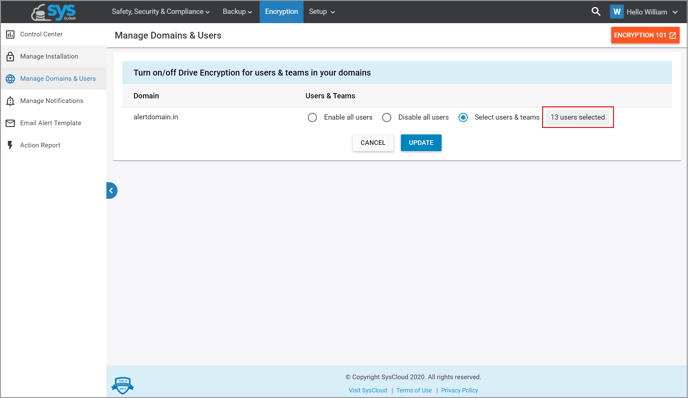
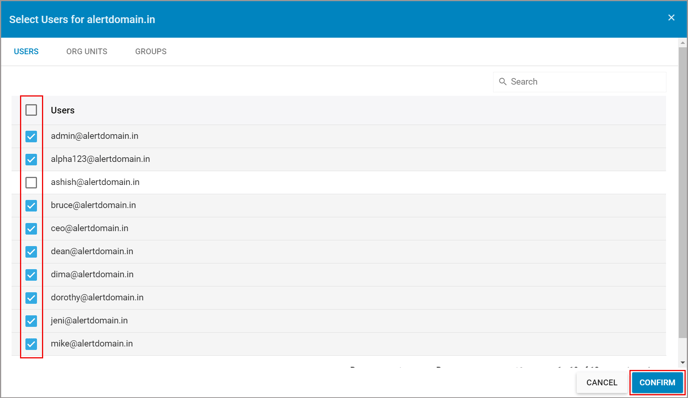
4. Select the end-user(s) you want to enable encryption for and unselect the end-user(s) you want to disable encryption for. Click “Confirm.”