- Log in to SysCloud application with your account credentials.
- Click “DLP”→“Reports”→“Document Sharing Insights.”
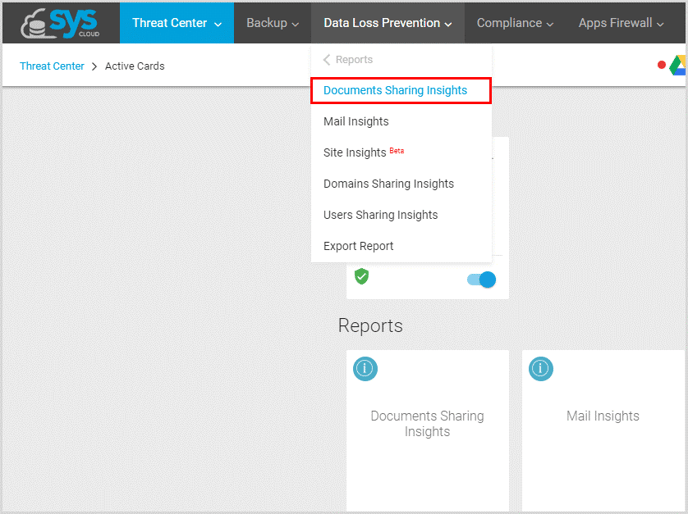
- Click on the search bar, enter the Document’s name and click “Search.”
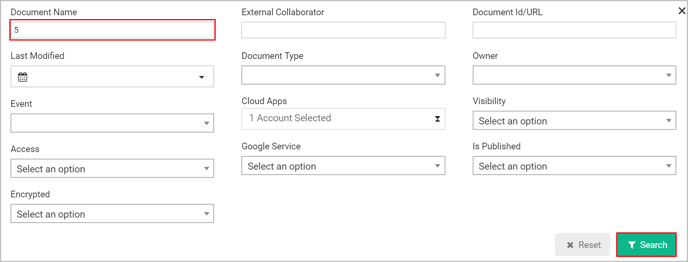
Note: You can also use any of the filters in the search bar to locate a file on your domain – document name, access level, type of document, etc.
English
![Untitled design (1)-Aug-01-2022-12-37-27-80-PM.png]](https://help.syscloud.com/hs-fs/hubfs/Untitled%20design%20(1)-Aug-01-2022-12-37-27-80-PM.png?height=40&name=Untitled%20design%20(1)-Aug-01-2022-12-37-27-80-PM.png)