![Untitled design (1)-Aug-01-2022-12-37-27-80-PM.png]](https://help.syscloud.com/hs-fs/hubfs/Untitled%20design%20(1)-Aug-01-2022-12-37-27-80-PM.png?height=40&name=Untitled%20design%20(1)-Aug-01-2022-12-37-27-80-PM.png)
- Log in to the SysCloud Application.
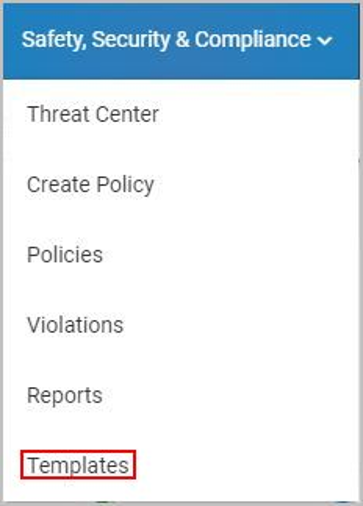
- Click “Safety, Security & Compliance”→“Templates.”
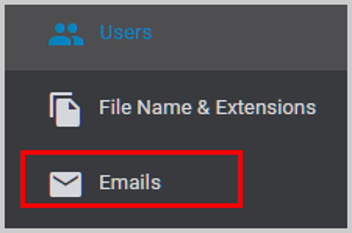
- Click “Emails.”
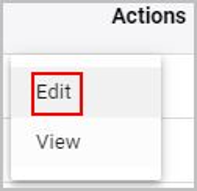
- Click the vertical ellipsis icon under “Actions” and select “Edit.”
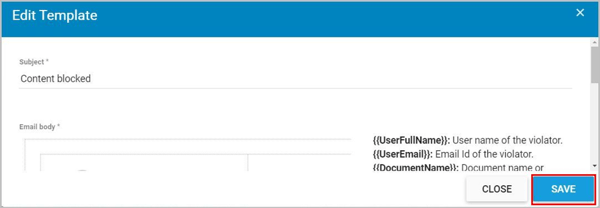
- Here, you can edit the name of the message template and its contents.
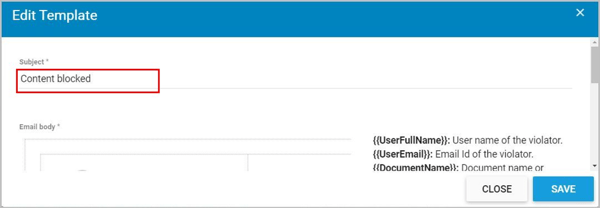
The following placeholders are available for setting up the messaging templates.
- : User name of the violator
- : Email Id of the violator
- : Document name or subject of the violator's email
- : DocumentUrl Id of the violator's document
- : Matching pattern count of the violated content
- : Violation text/content present in violator's email/document/chat
6. Click “SAVE.”