![Untitled design (1)-Aug-01-2022-12-37-27-80-PM.png]](https://help.syscloud.com/hs-fs/hubfs/Untitled%20design%20(1)-Aug-01-2022-12-37-27-80-PM.png?height=40&name=Untitled%20design%20(1)-Aug-01-2022-12-37-27-80-PM.png)
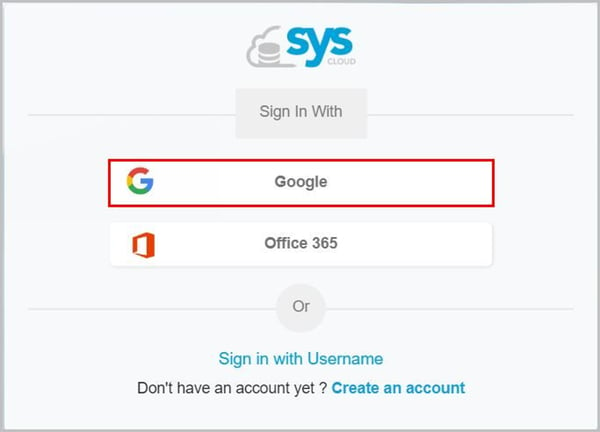
- Log in to the SysCloud Application with your account credentials.
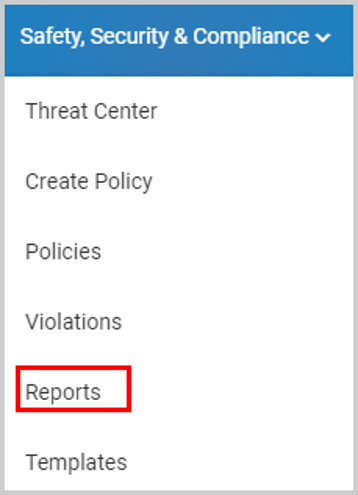
- Click “Safety, Security & Compliance”→”Reports.”
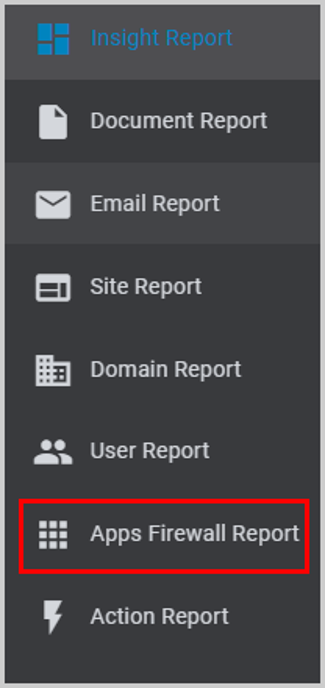
- Click “Apps Firewall Report.”
- You can check the following information:
* The name of the third-party application,
* The number of users who had installed the application, and
* The level of access required by the application.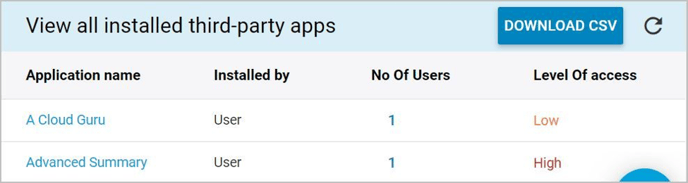
Note: You can click on the number to view details of the user(s) who had installed the application.