![Untitled design (1)-Aug-01-2022-12-37-27-80-PM.png]](https://help.syscloud.com/hs-fs/hubfs/Untitled%20design%20(1)-Aug-01-2022-12-37-27-80-PM.png?height=40&name=Untitled%20design%20(1)-Aug-01-2022-12-37-27-80-PM.png)
To stop end-users from logging in and accessing their backup data, you can disable their archive view and restore permissions using the Self Service settings.
Steps to Restrict End-User Access:
- Log in to the SysCloud backup application using your admin credentials.
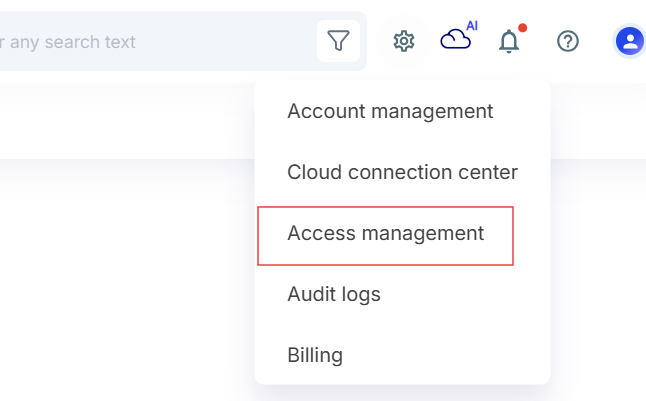
- Go to Settings and click Access Management.
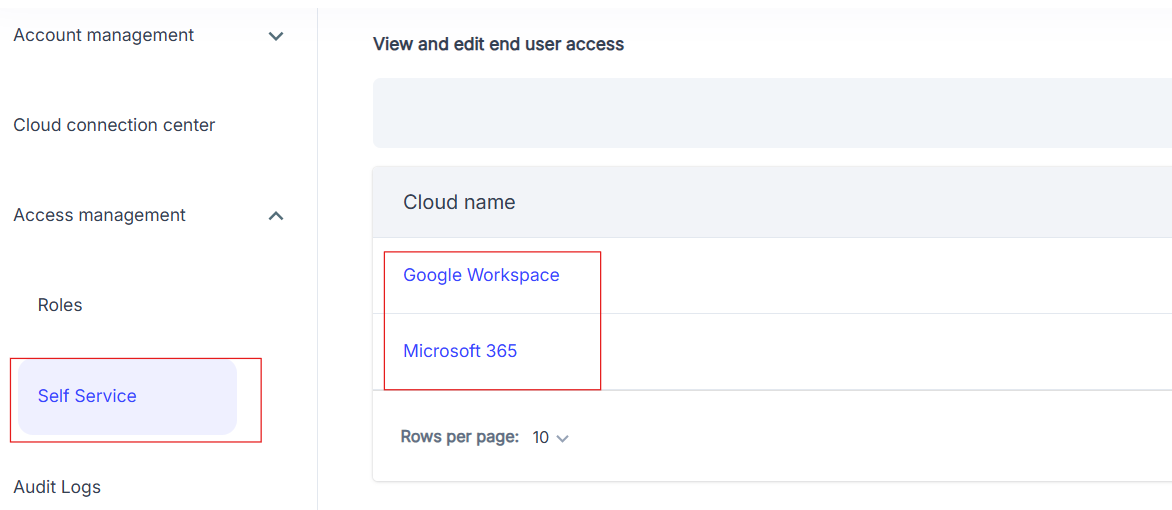
- From left side menu select Self Service, select your cloud account.
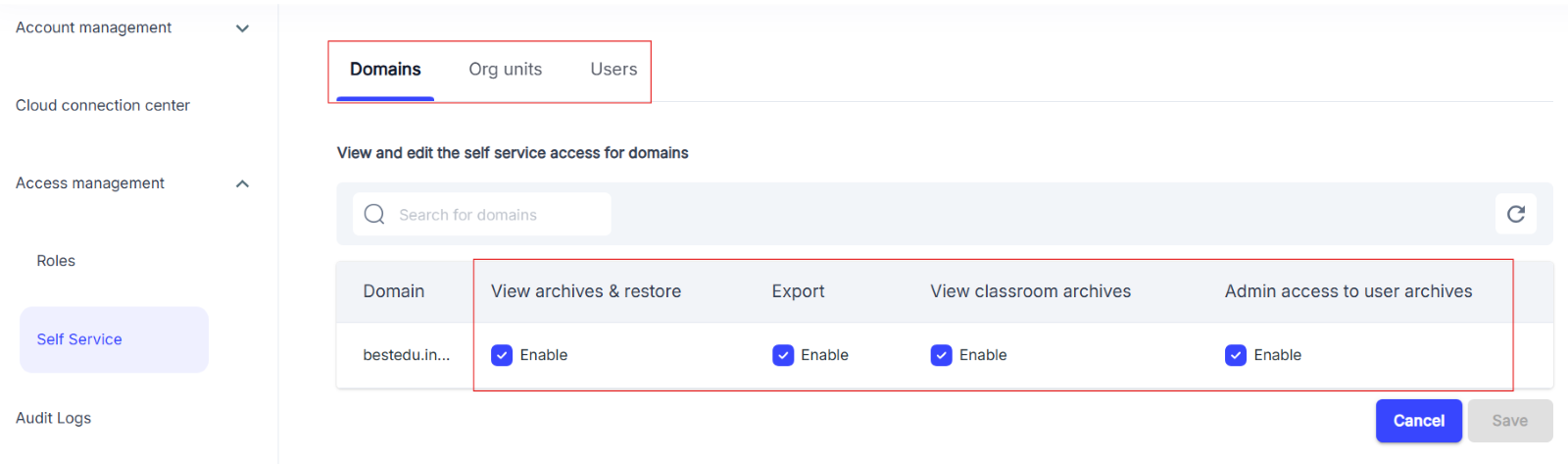
- choose the user, OU, or domain level, and uncheck "View archives & restore" to disable access.
By following these steps, you can effectively prevent end-users from accessing the SysCloud backup application.