![Untitled design (1)-Aug-01-2022-12-37-27-80-PM.png]](https://help.syscloud.com/hs-fs/hubfs/Untitled%20design%20(1)-Aug-01-2022-12-37-27-80-PM.png?height=40&name=Untitled%20design%20(1)-Aug-01-2022-12-37-27-80-PM.png)
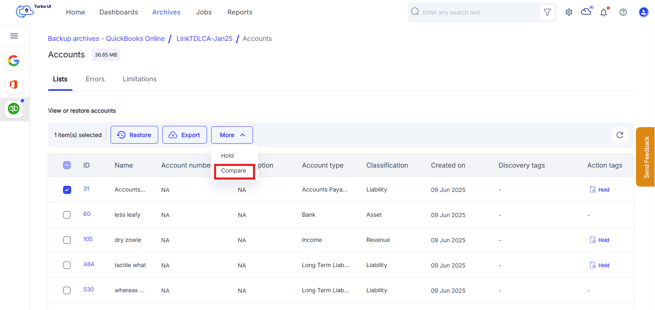
- Select the item that requires comparison and choose Compare.
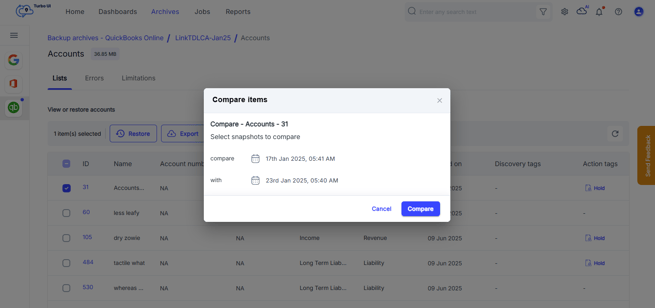
- Choose the backup snapshots to compare and select Compare again.
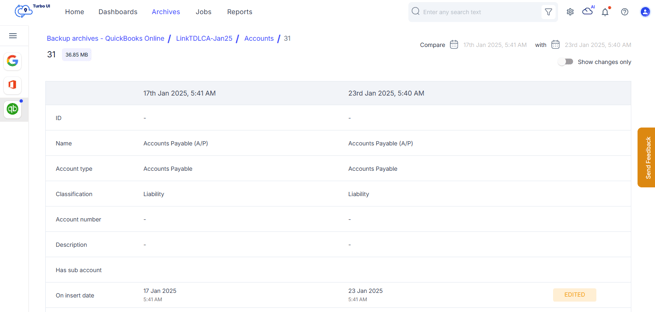
- Review the highlighted changes displayed between the two snapshots.
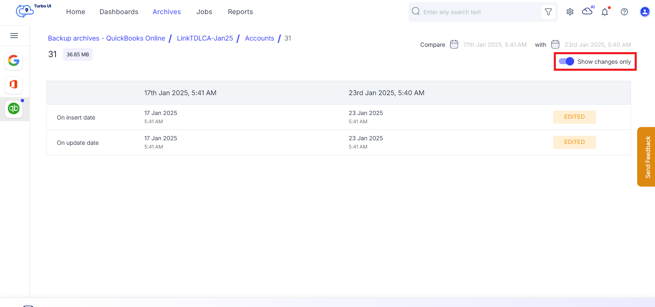
- Select Show changes for detailed information on both versions.