![Untitled design (1)-Aug-01-2022-12-37-27-80-PM.png]](https://help.syscloud.com/hs-fs/hubfs/Untitled%20design%20(1)-Aug-01-2022-12-37-27-80-PM.png?height=40&name=Untitled%20design%20(1)-Aug-01-2022-12-37-27-80-PM.png)
Follow the below steps to connect your Box account to SysCloud backup application
- Log in to the SysCloud application.
- Click the gear icon and select “Cloud Connection Center”.
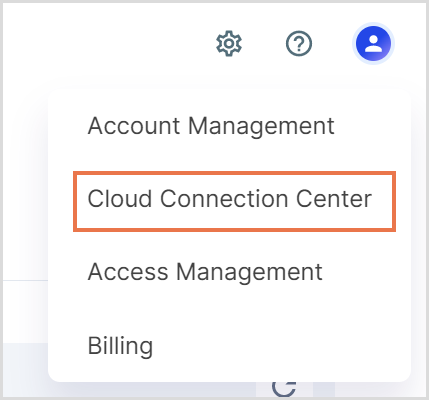
- Click the action icon next to Box.
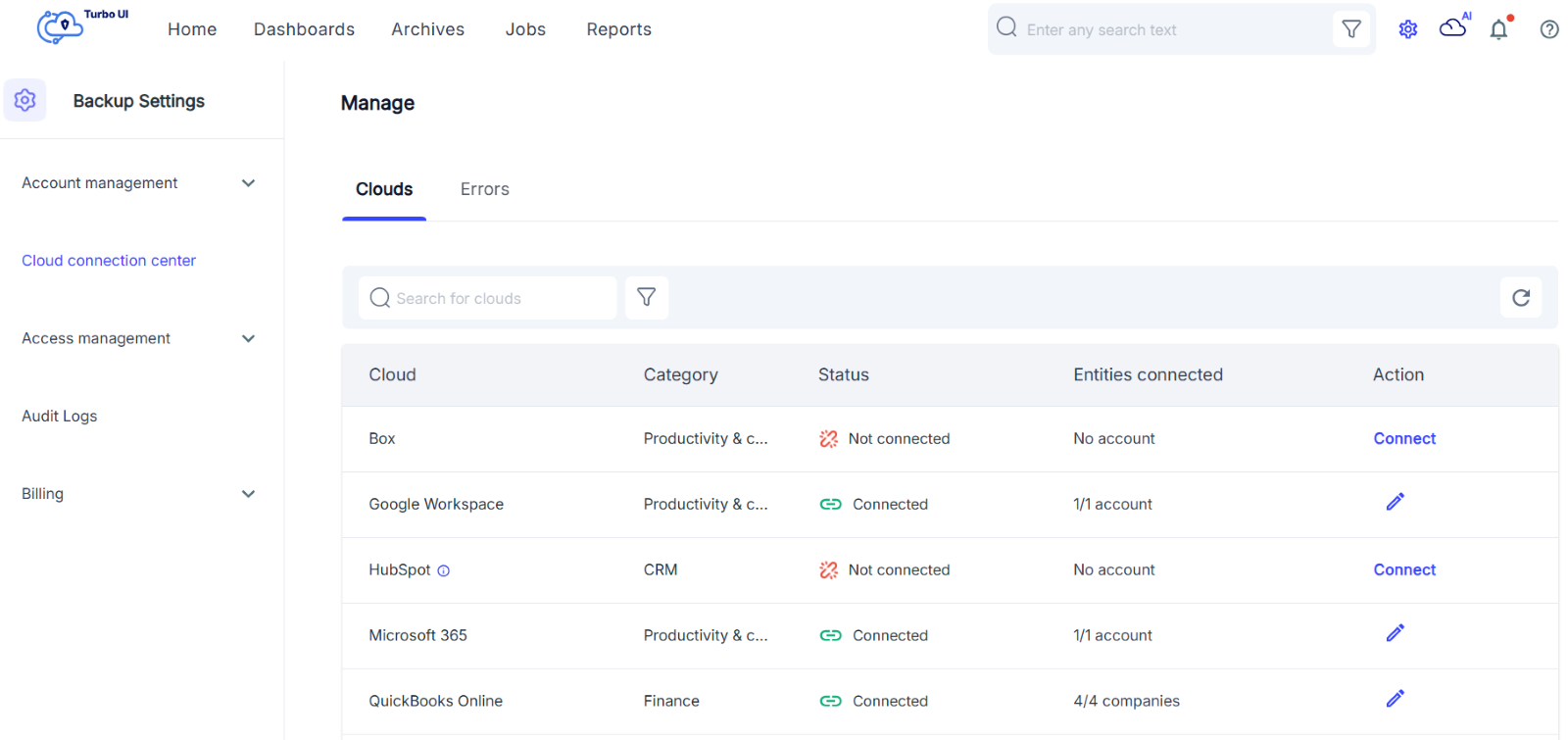
- Select the Box account and click 'Connect'.