![Untitled design (1)-Aug-01-2022-12-37-27-80-PM.png]](https://help.syscloud.com/hs-fs/hubfs/Untitled%20design%20(1)-Aug-01-2022-12-37-27-80-PM.png?height=40&name=Untitled%20design%20(1)-Aug-01-2022-12-37-27-80-PM.png)
Follow the steps below to customize the columns in Classroom archives.
Step 1: Login to the SysCloud application using your admin credentials.
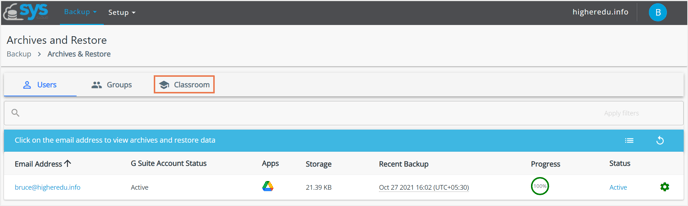
Step 2: Click Backup→Archive & Restore.
-3.png?width=688&name=Archives%20and%20Restore%20(1)-3.png) Step 3: Select the Classroom tab.
Step 3: Select the Classroom tab.
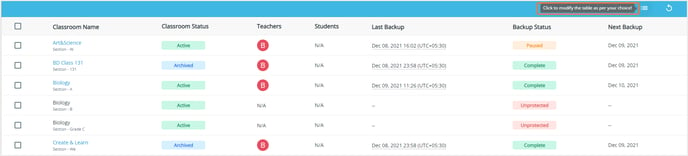
Step 4: Select Click to modify the table as per your choice option.
 Step 5: Click on the checkbox for preferences-
- Email address
- G suite account status
- Apps
- Storage
- Recent backup
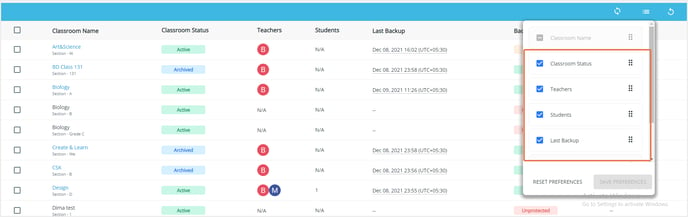 Step 6: Click on Save preferences to save them.