![Untitled design (1)-Aug-01-2022-12-37-27-80-PM.png]](https://help.syscloud.com/hs-fs/hubfs/Untitled%20design%20(1)-Aug-01-2022-12-37-27-80-PM.png?height=40&name=Untitled%20design%20(1)-Aug-01-2022-12-37-27-80-PM.png)
- Log in to your G Suite Admin Console.
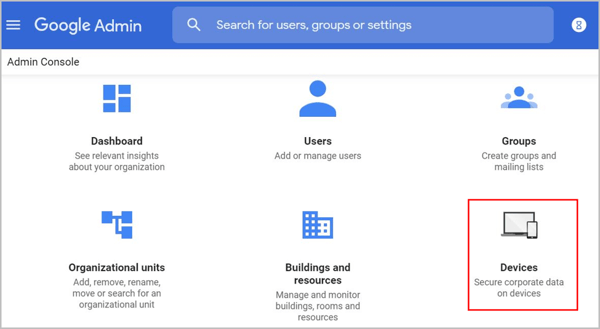
- Click “Devices.”
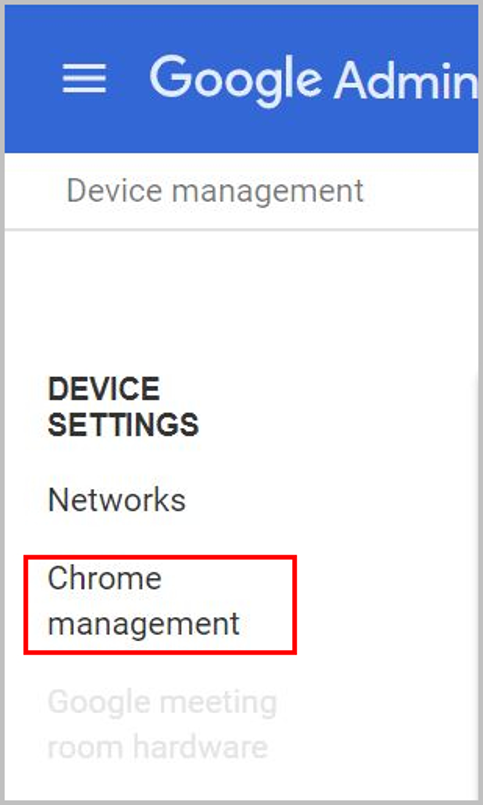
- Click “Chrome management” on the left-hand side pane.
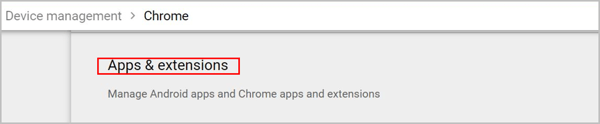
- Click “Apps & extensions.”
-
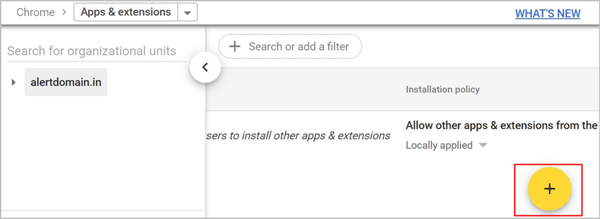
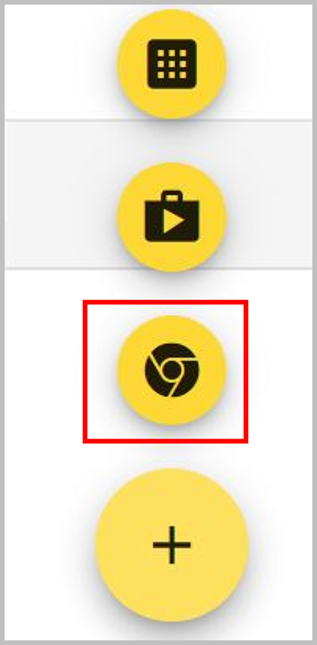
Click on the “+” icon.
- Select the “Add from Chrome Web Store” icon.
-
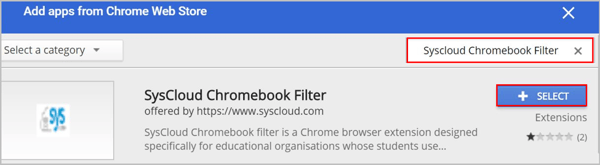
Search “SysCloud Chromebook Filter” and click the “+ SELECT” button.
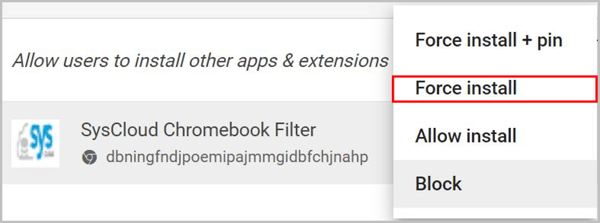
- Click on the drop-down icon beside the SysCloud Chromebook Filter and select “Force install.”
-
Click “SAVE.”
