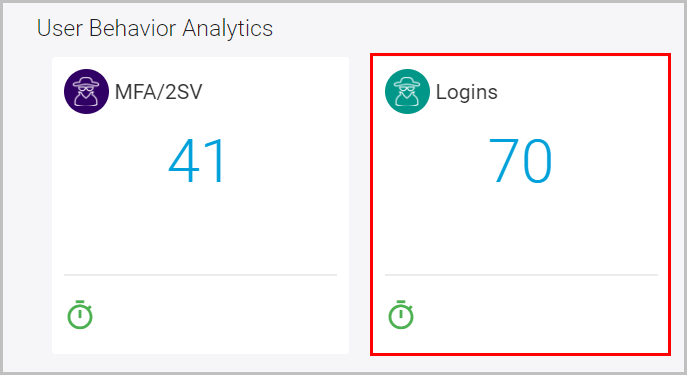
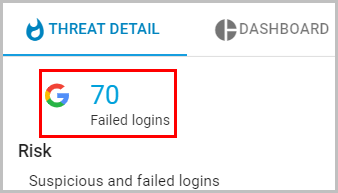
How to check suspicious login activity? Follow these steps to check suspicious login activity: Log in to the SysCloud application with your account credentials. Scroll down and select “Logins” under the “User Behavior Analytics” section. Click “Failed logins” to view the user details.
![Untitled design (1)-Aug-01-2022-12-37-27-80-PM.png]](https://help.syscloud.com/hs-fs/hubfs/Untitled%20design%20(1)-Aug-01-2022-12-37-27-80-PM.png?height=40&name=Untitled%20design%20(1)-Aug-01-2022-12-37-27-80-PM.png)