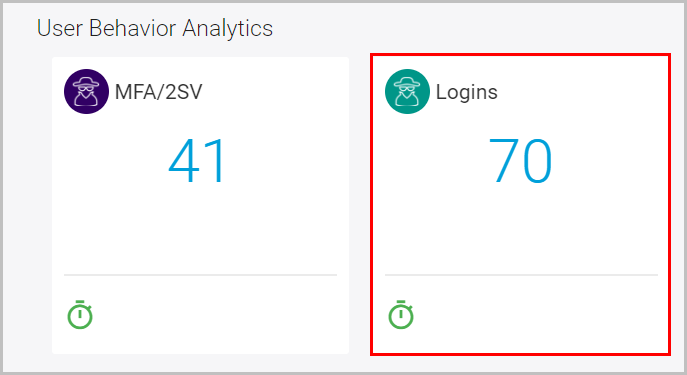
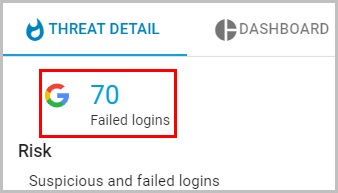
How to check failed/suspicious login attempts? Follow these steps to check failed login attempts for your domain: Log in to the SysCloud application with your account credentials. Click “Threat Center” and scroll down to the “User Behavior Analytics” section and click “Logins.” Click “Failed logins” to view the list of failed and suspicious login attempts.
![Untitled design (1)-Aug-01-2022-12-37-27-80-PM.png]](https://help.syscloud.com/hs-fs/hubfs/Untitled%20design%20(1)-Aug-01-2022-12-37-27-80-PM.png?height=40&name=Untitled%20design%20(1)-Aug-01-2022-12-37-27-80-PM.png)