![Untitled design (1)-Aug-01-2022-12-37-27-80-PM.png]](https://help.syscloud.com/hs-fs/hubfs/Untitled%20design%20(1)-Aug-01-2022-12-37-27-80-PM.png?height=40&name=Untitled%20design%20(1)-Aug-01-2022-12-37-27-80-PM.png)
Follow these steps to adjust the notification alerts setting:
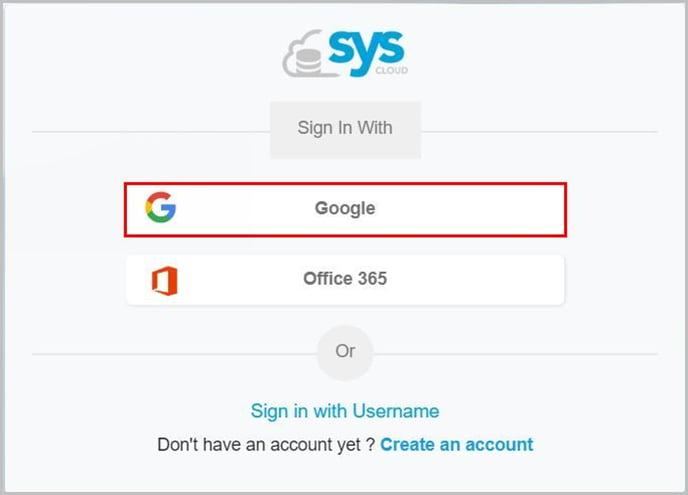
- Log in to SysCloud with your account credentials.
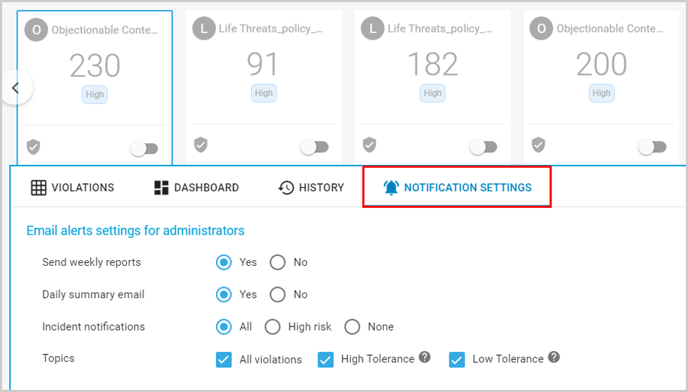
- Click on the policy card on the Threat Center page.
- Click “NOTIFICATION SETTINGS.”
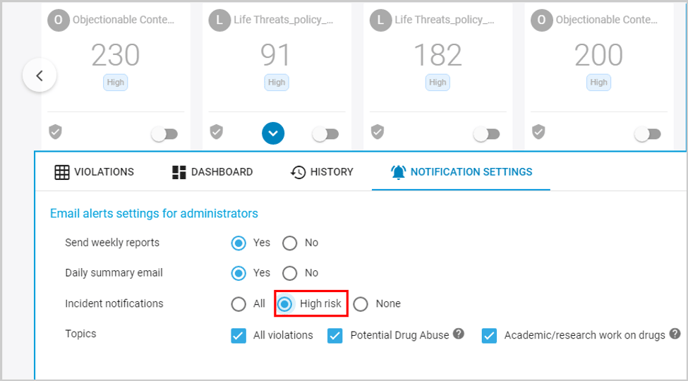
- Under the “Email alerts settings for administrators,” select “High risk” for “Incident notifications.”
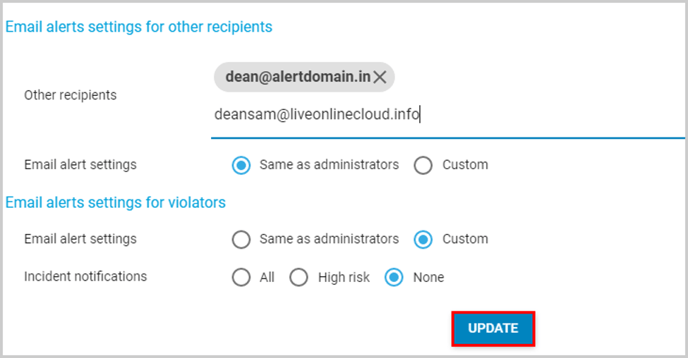
- Click “UPDATE” to update the settings.
- Repeat the steps for any other policy if needed.