![Untitled design (1)-Aug-01-2022-12-37-27-80-PM.png]](https://help.syscloud.com/hs-fs/hubfs/Untitled%20design%20(1)-Aug-01-2022-12-37-27-80-PM.png?height=40&name=Untitled%20design%20(1)-Aug-01-2022-12-37-27-80-PM.png)
How to apply the coupon code “AFI50”?
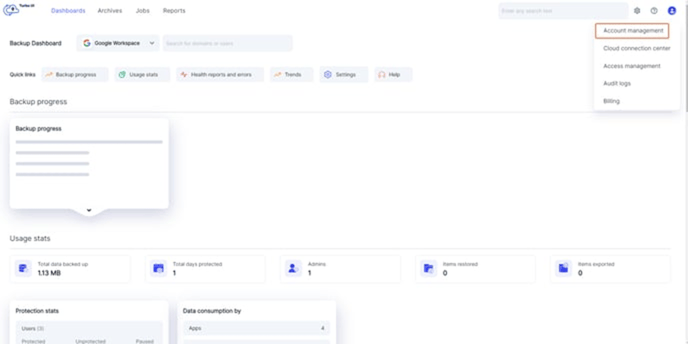
Step 1: Log in to your SysCloud account and navigate to account management in the settings page by clicking on the gear icon in the top-right corner.
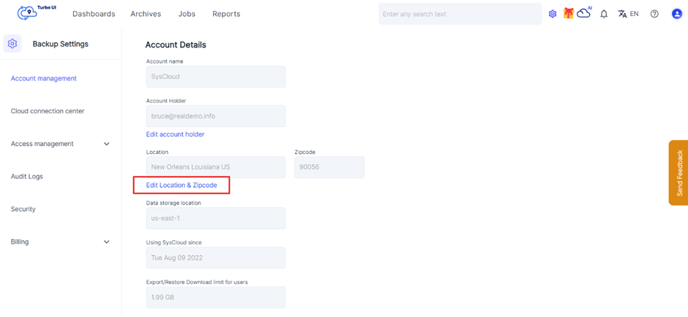
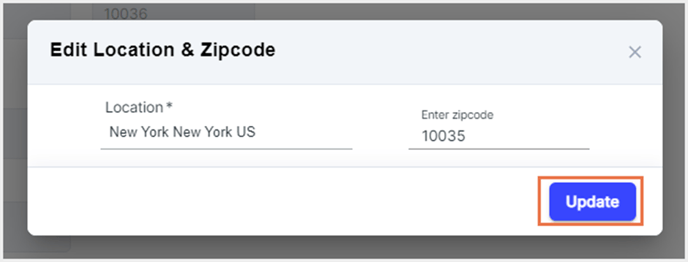
Step 2: In the account management section, please click on the text 'Edit location & Zipcode' below the location filed and this will open a pop-up where you can update your location and zip code details.
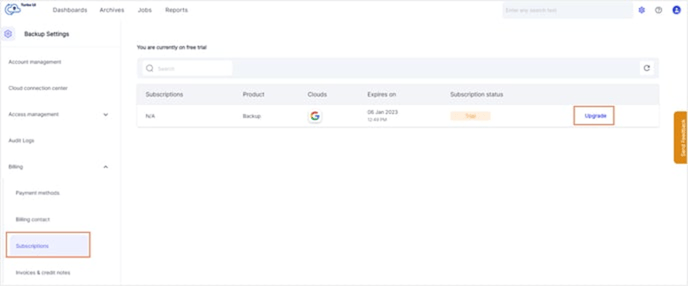
Step 3: Navigate to Billing > Subscription under the "Backup Settings" page.
Step 4: Click on "Upgrade."
Step 5: Choose if you want to be billed monthly or yearly by moving the toggle button.
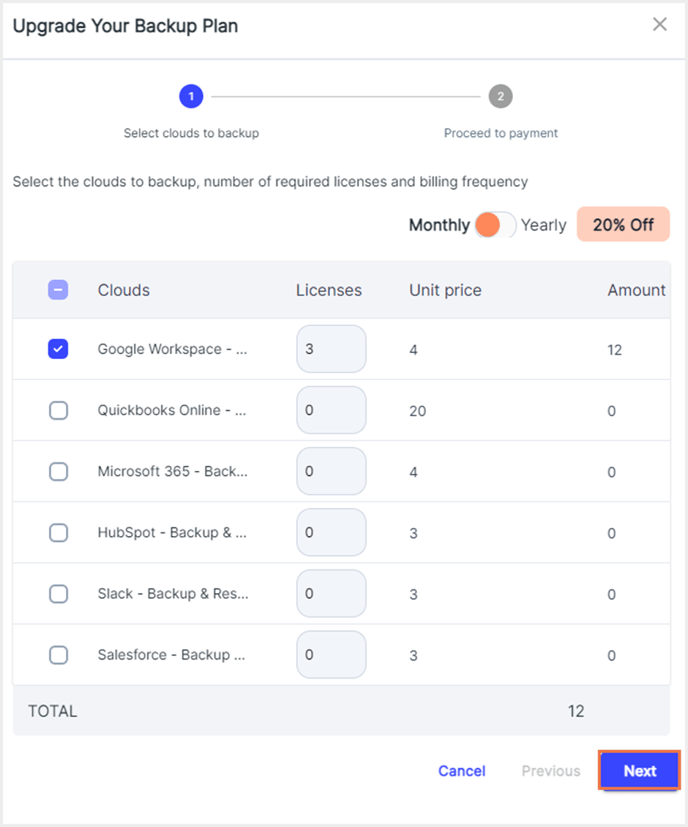
Step 7: Select the checkbox next to the names of the cloud you want to back up. Enter the number of licenses needed and click on "Next."
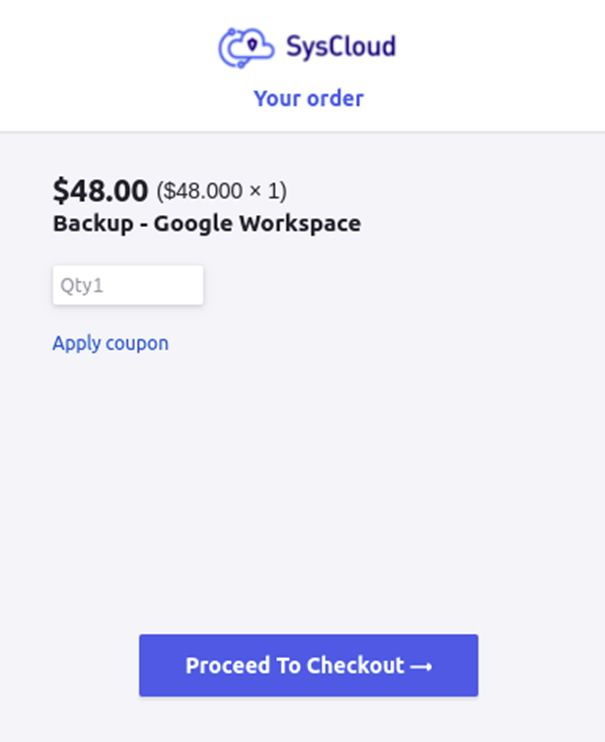
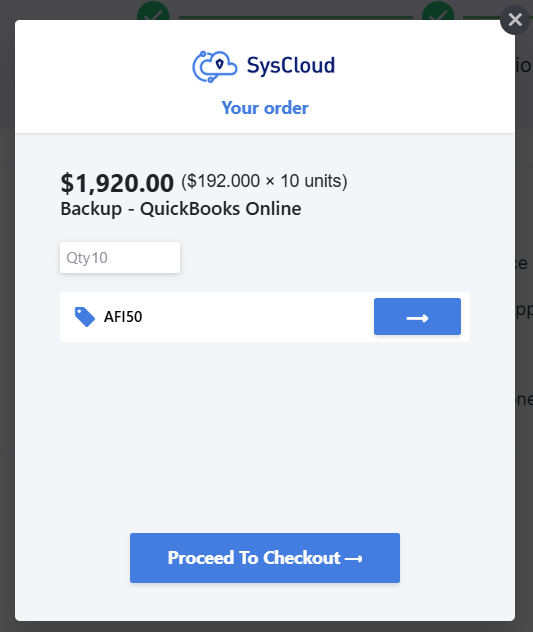
Step 8: Review the purchase order, apply the coupon "AFI50" and click on "Proceed to checkout."
Terms and Conditions
- Coupon code: AFI50
- The offer is valid only for customers who do not have an existing paid SysCloud QuickBooks Online backup subscription.
- The discount applies only to QuickBooks Online backup plans and does not extend to other SysCloud products or add-ons.
- The discount applies to the first billing cycle (monthly or annual, depending on the selected plan). After the first billing cycle, the subscription will auto-renew at the standard rate unless cancelled before the renewal date.
- The promotion is valid until [Date].
- By participating in this promotion, customers agree to SysCloud’s standard Terms of Service & Privacy Policy.