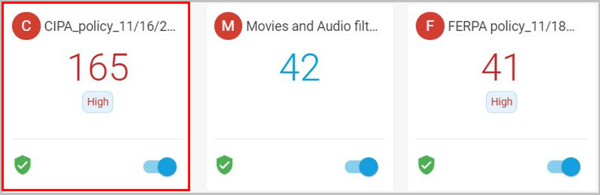
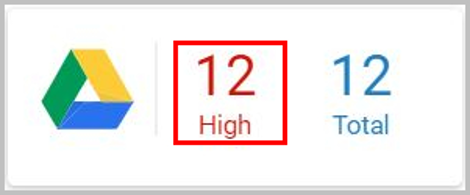
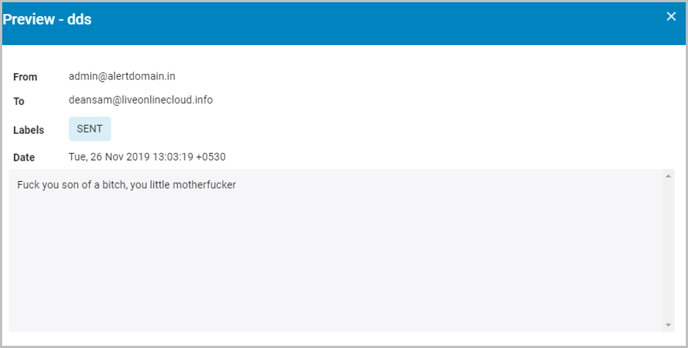
What to do when the violation shown in a notification alert is not visible in the application? Follow these steps to view the dismissed policy violations: Log in to SysCloud with your account credentials. Click on the threat card. Under the “VIOLATIONS” section, click on the number next to the app icon. Click on the document name. You can view the document violation here.

![Untitled design (1)-Aug-01-2022-12-37-27-80-PM.png]](https://help.syscloud.com/hs-fs/hubfs/Untitled%20design%20(1)-Aug-01-2022-12-37-27-80-PM.png?height=40&name=Untitled%20design%20(1)-Aug-01-2022-12-37-27-80-PM.png)