![Untitled design (1)-Aug-01-2022-12-37-27-80-PM.png]](https://help.syscloud.com/hs-fs/hubfs/Untitled%20design%20(1)-Aug-01-2022-12-37-27-80-PM.png?height=40&name=Untitled%20design%20(1)-Aug-01-2022-12-37-27-80-PM.png)
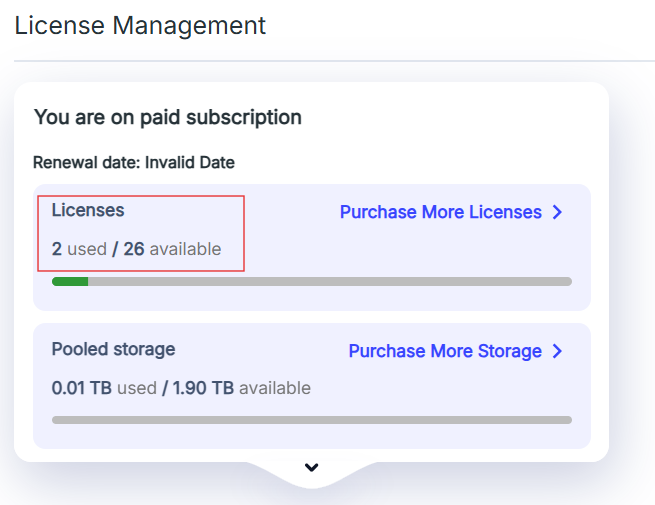
SysCloud provides a quick view of your license usage directly from the dashboard so you can monitor the number of licenses used and available.
Follow these steps to check license usage:
- Log in to your SysCloud application.
- From the Dashboard, locate the widget named License Management.
- Click on the License Management widget.

- Under this section, you will find the number of licenses used and the number of licenses available for your subscription.