![Untitled design (1)-Aug-01-2022-12-37-27-80-PM.png]](https://help.syscloud.com/hs-fs/hubfs/Untitled%20design%20(1)-Aug-01-2022-12-37-27-80-PM.png?height=40&name=Untitled%20design%20(1)-Aug-01-2022-12-37-27-80-PM.png)
Applies to: Microsoft Entra restore operations
When this error appears
- SysCloud is restoring a Microsoft Entra group.
- The destination organization requires a prefix, suffix, or another naming format.
- The backed-up display name or mail nickname does not meet that requirement.
Why this error occurs
Microsoft Entra group naming policies can require text such as a department prefix or company suffix. Microsoft rejects a group creation request when the restored name does not match the active policy.
Before you begin
- Review the backed-up group name and mail nickname.
- Review the group naming policy in the destination organization and determine whether a temporary policy change or an approved compliant name is appropriate.
Resolution
1. Open the Microsoft Entra admin center.
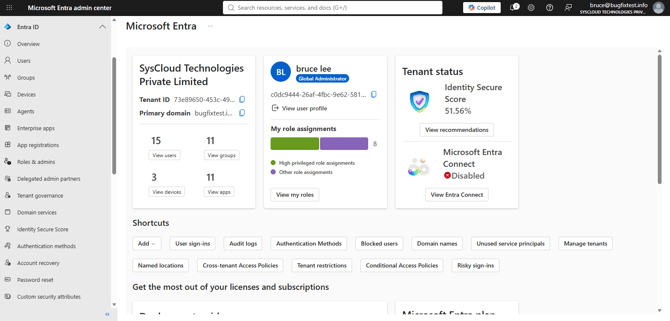
2. Go to Identity > Groups > All groups, and open the group naming policy settings.
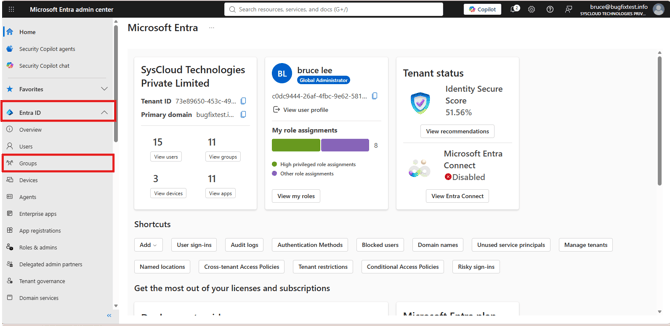

3. Review the required prefix, suffix, and blocked-word rules.
4. Temporarily update the policy or configure an applicable exemption, if permitted by your organization.
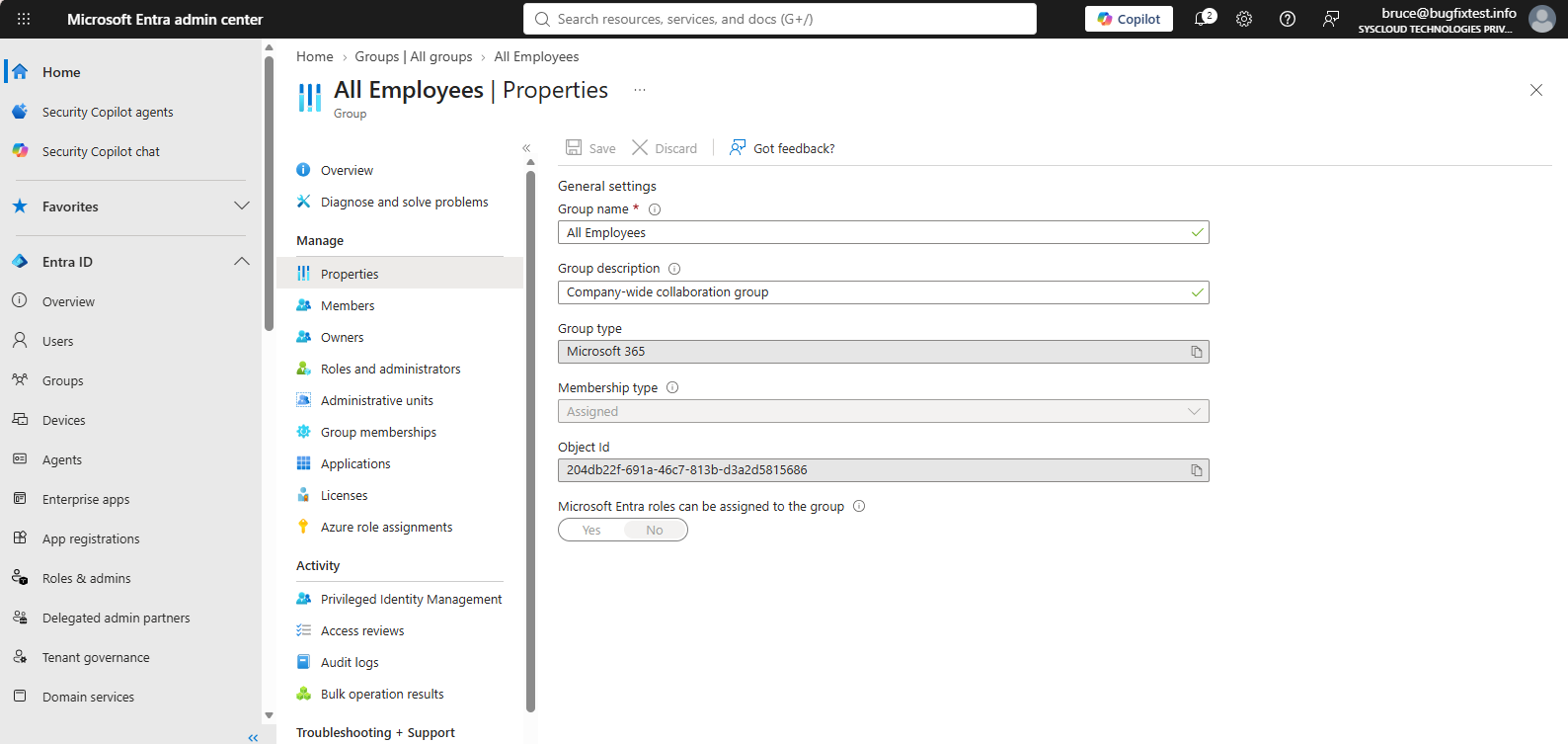
5. Alternatively, use a group name that complies with the destination organization’s policy.
Retry the group restore.
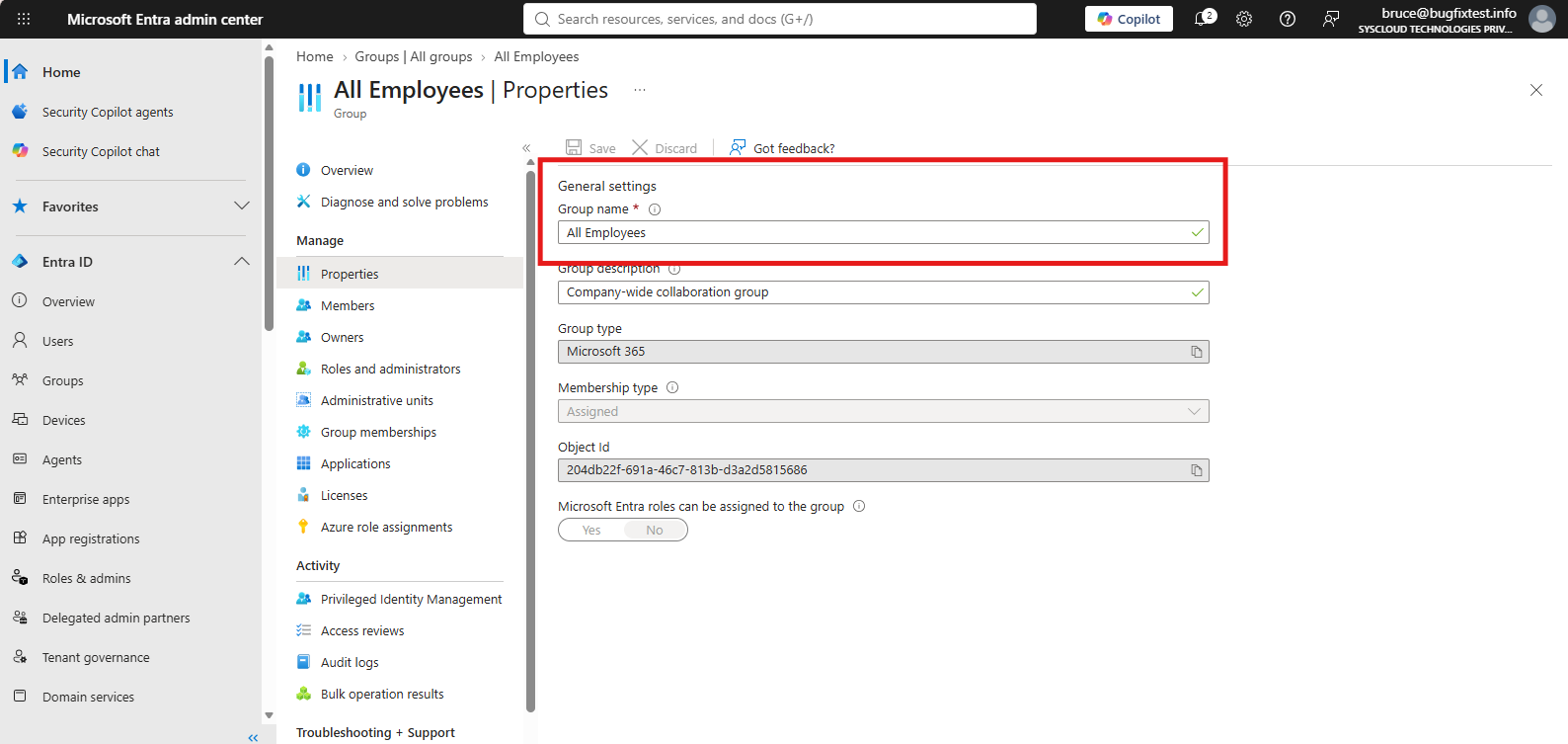
6. Restore the original naming policy after the restore, if it was changed temporarily.
Verify the resolution
Confirm that the group appears in the destination organization with the expected name, membership, and settings.
If the error continues
Check both the display name and mail nickname for restricted text. If the name complies but the error continues, contact SysCloud Support with the group name and error code.