![Untitled design (1)-Aug-01-2022-12-37-27-80-PM.png]](https://help.syscloud.com/hs-fs/hubfs/Untitled%20design%20(1)-Aug-01-2022-12-37-27-80-PM.png?height=40&name=Untitled%20design%20(1)-Aug-01-2022-12-37-27-80-PM.png)
Applies to: Microsoft Entra restore operations
When this error appears
- SysCloud is restoring a user’s license configuration.
- One of the selected Microsoft services has a dependency.
- The required dependent service is disabled or belongs to a license the destination organization does not own.
Why this error occurs
A Microsoft license can contain multiple service plans. Some plans cannot be enabled unless their prerequisite plans are also available and enabled. Microsoft rejects an invalid combination.
Before you begin
- Identify the license and service-plan identifiers included in the Microsoft error.
- Determine whether the dependent plan is part of the same license or a different product.
Resolution
1. Open the Microsoft 365 admin center.
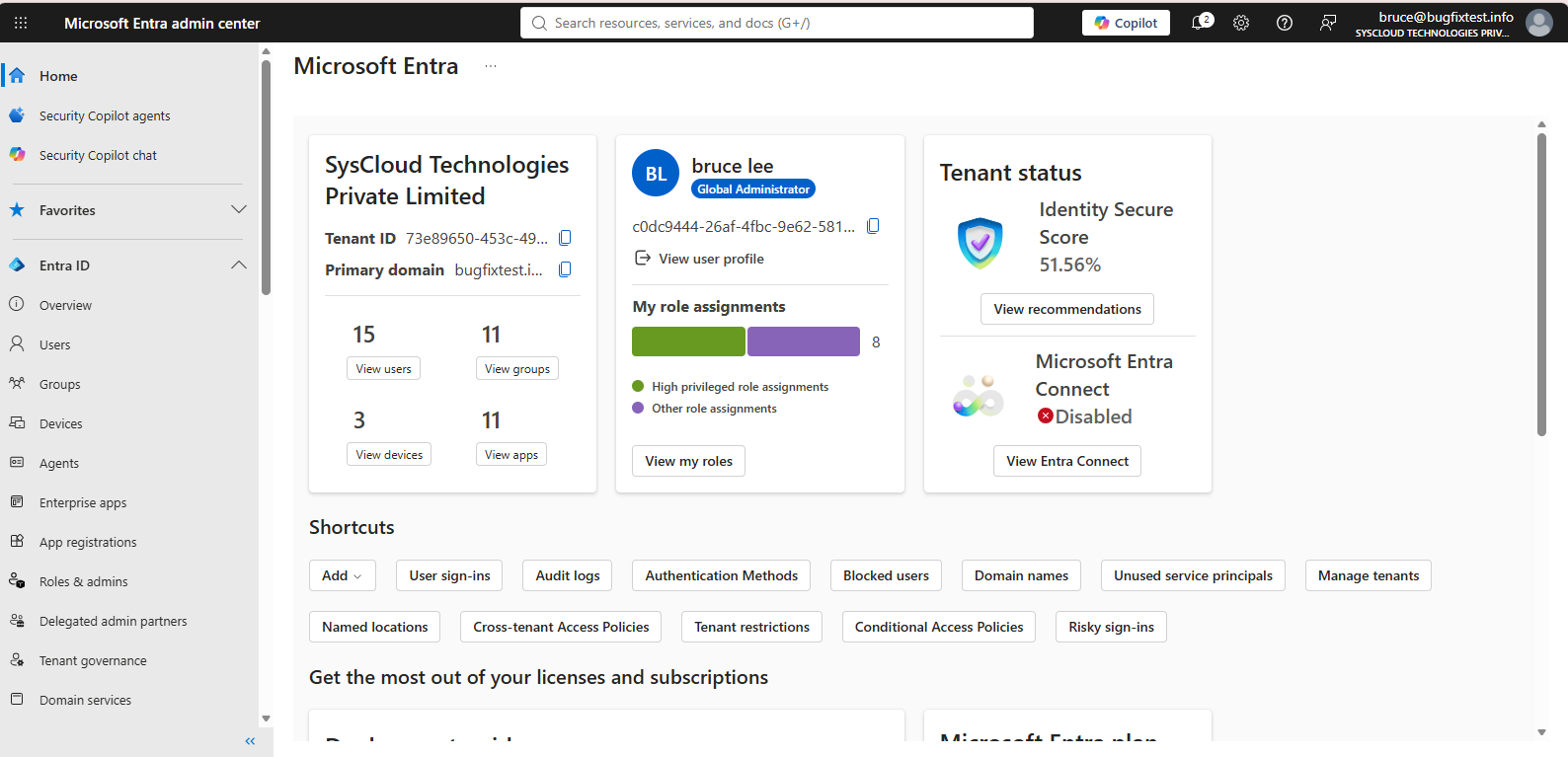
2. Go to Billing > Licenses and select the relevant license product.
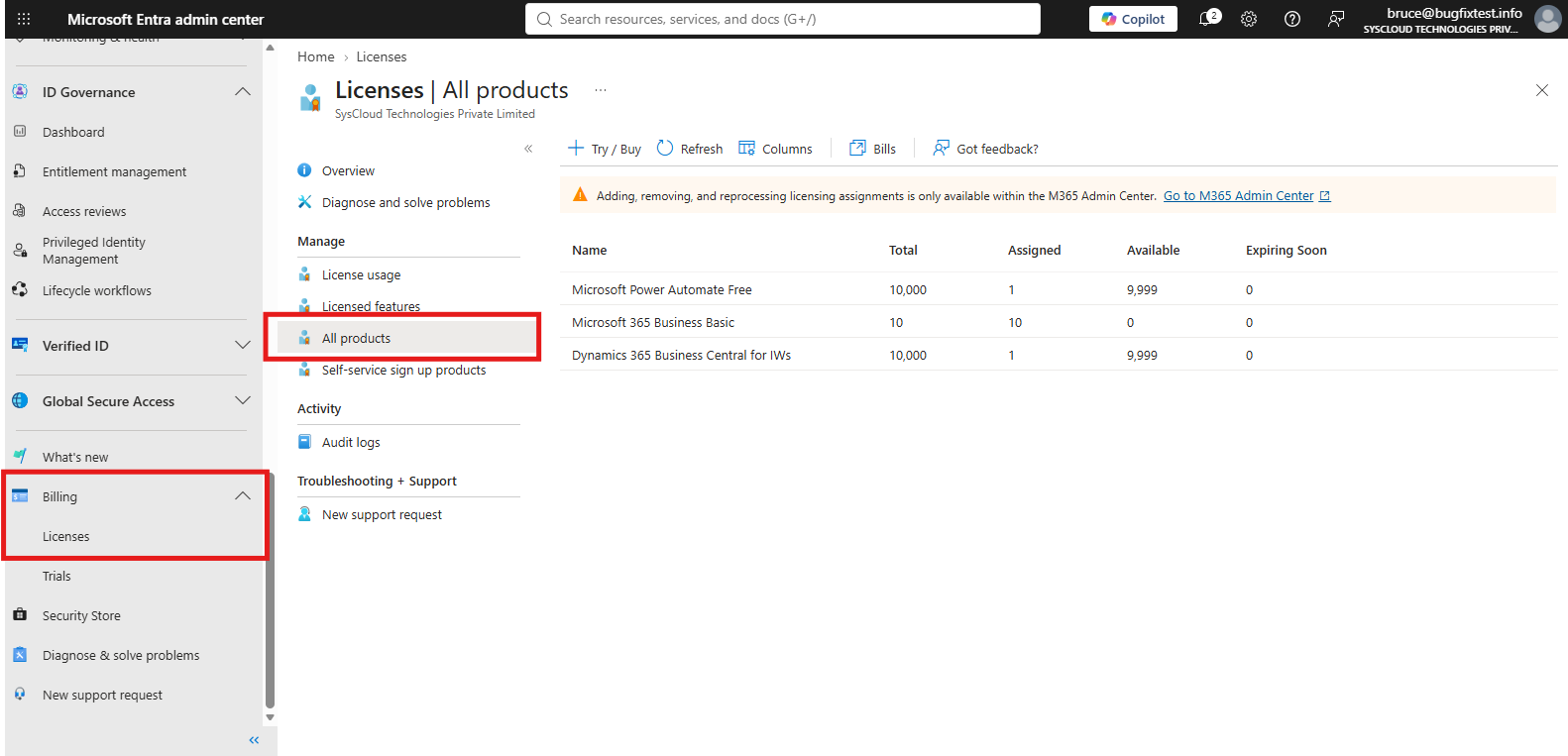
3. Review the applications and services included in the license.
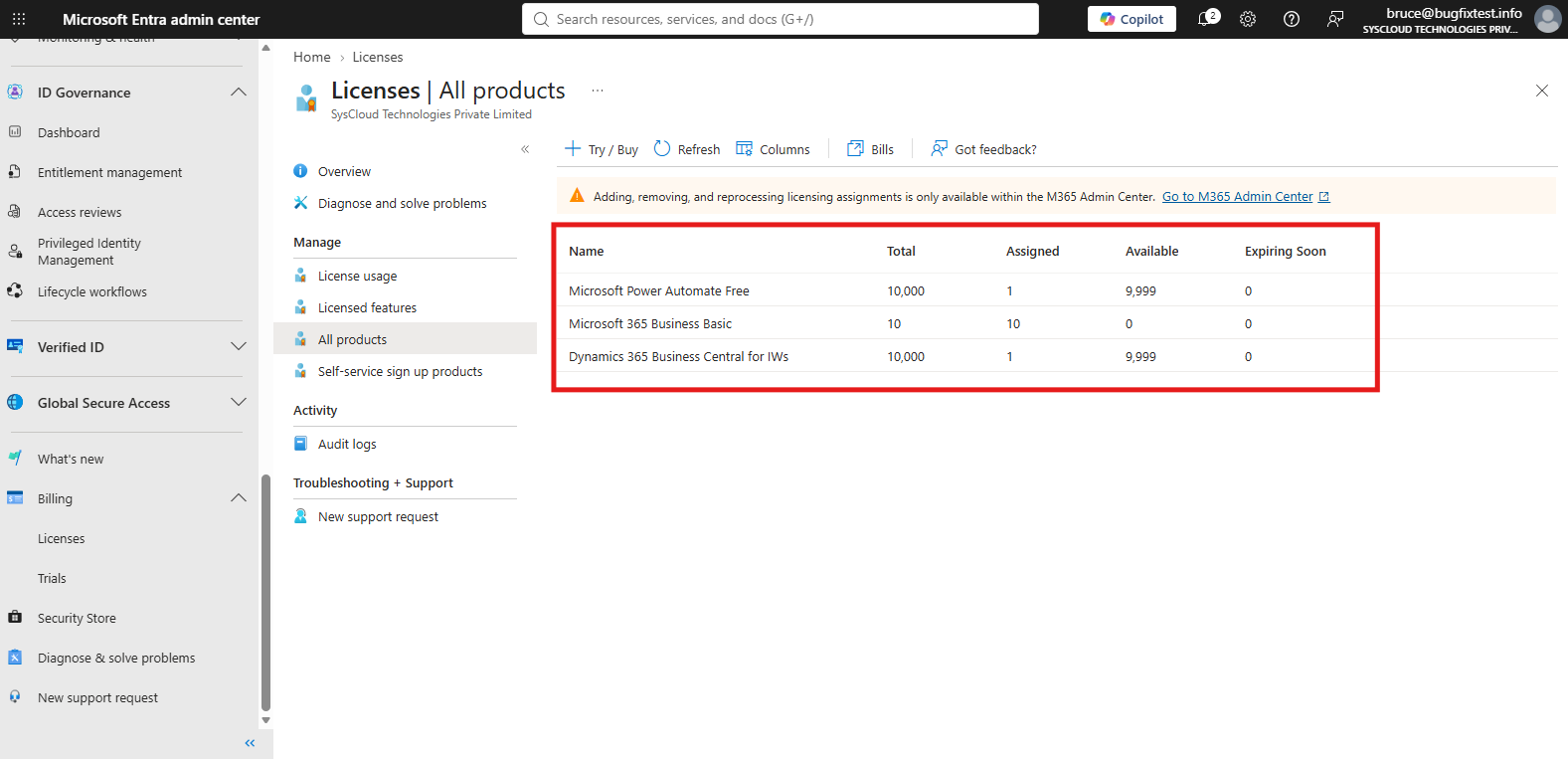
4. Enable the service plans required by the affected plan.
5. If the dependency belongs to another product, purchase or provision that product first.
6. Allow time for the licensing change to become active.
7. Initiate the user’s license-assignment restore again.
Verify the resolution
Confirm that the user has the expected license and that the required service plans are enabled without dependency warnings.
If the error continues
Compare the source and destination subscription configurations. If all required plans are available and enabled, contact SysCloud Support with the service-plan identifiers and error code.