![Untitled design (1)-Aug-01-2022-12-37-27-80-PM.png]](https://help.syscloud.com/hs-fs/hubfs/Untitled%20design%20(1)-Aug-01-2022-12-37-27-80-PM.png?height=40&name=Untitled%20design%20(1)-Aug-01-2022-12-37-27-80-PM.png)
Follow the steps below to restore HubSpot records from SysCloud backup application:
Step 1: Log in to SysCloud using your admin credentials.
Step 2: Go to the HubSpot backup archives. Click on an account to view its archives. 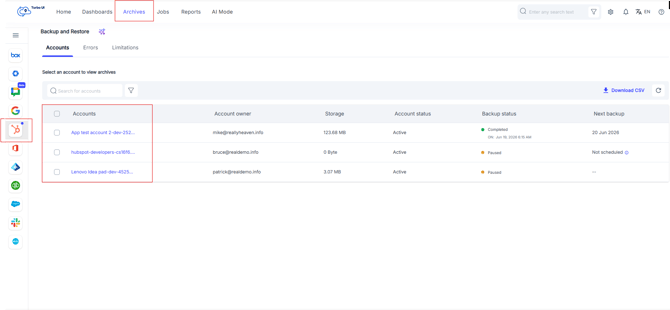
Step 3: Click on the object whose records you want to restore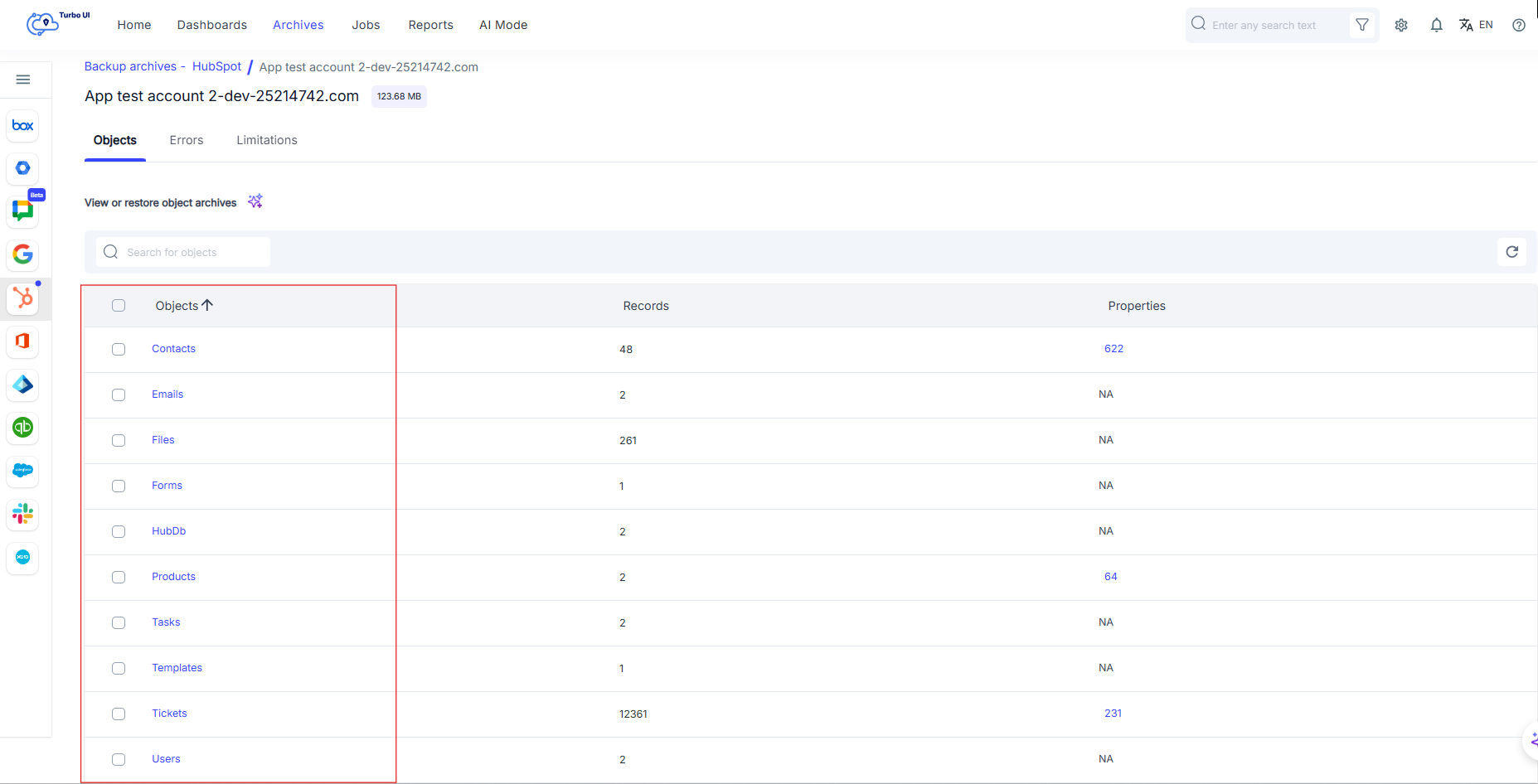
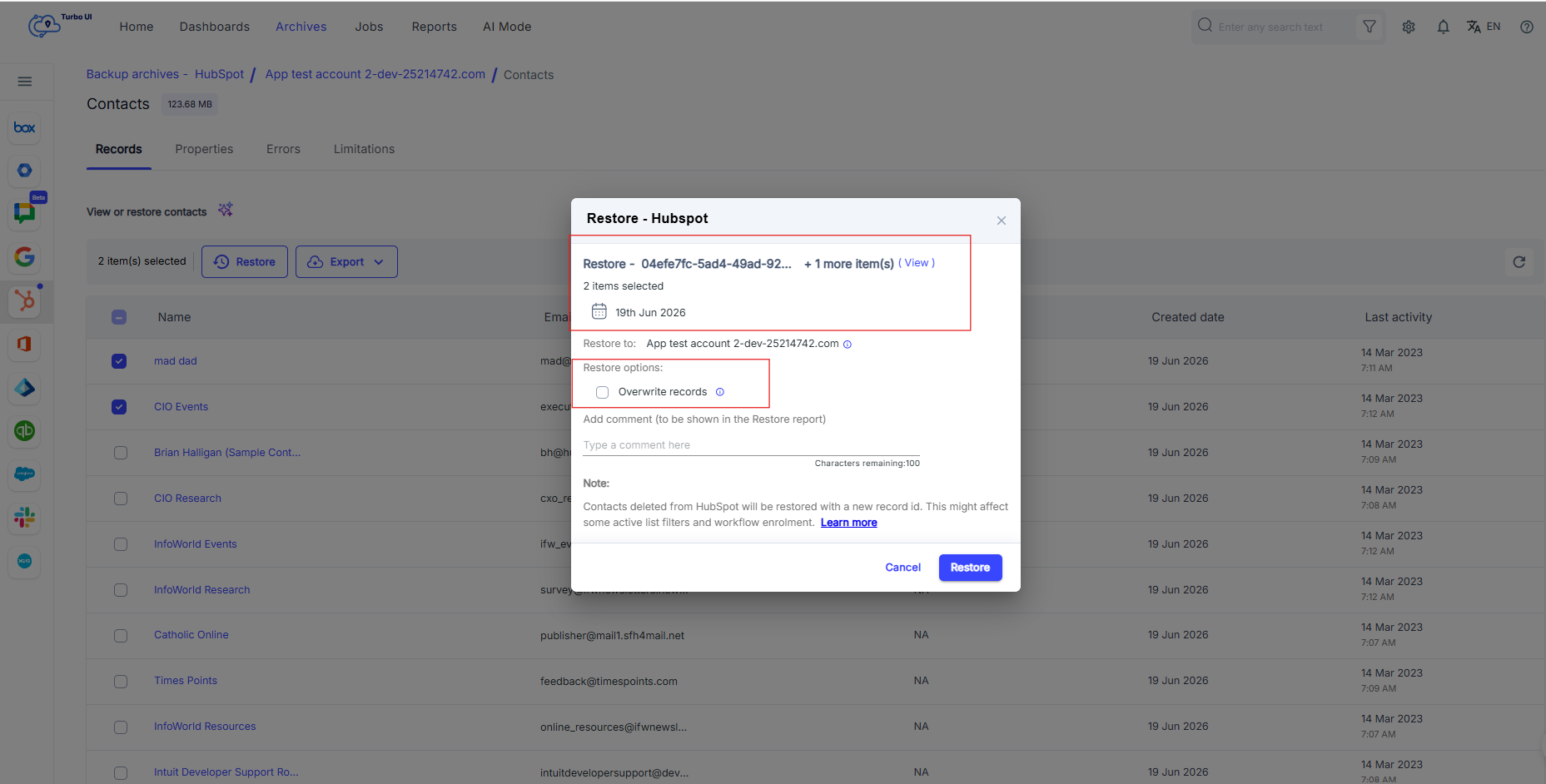
Step 4: Choose the required records and click “Restore.”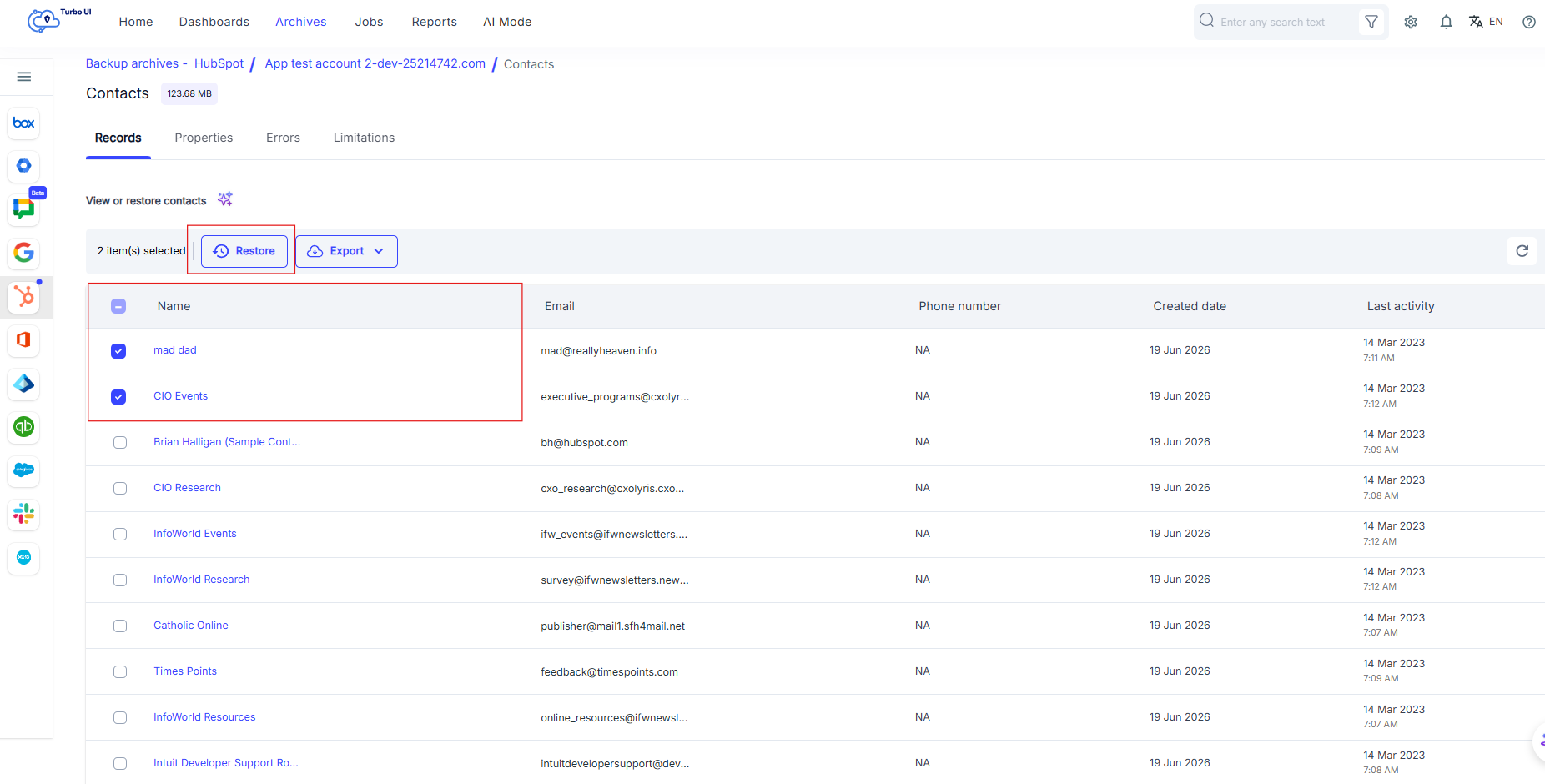
Step 5: Select the snapshot date to which you want to roll back the records.
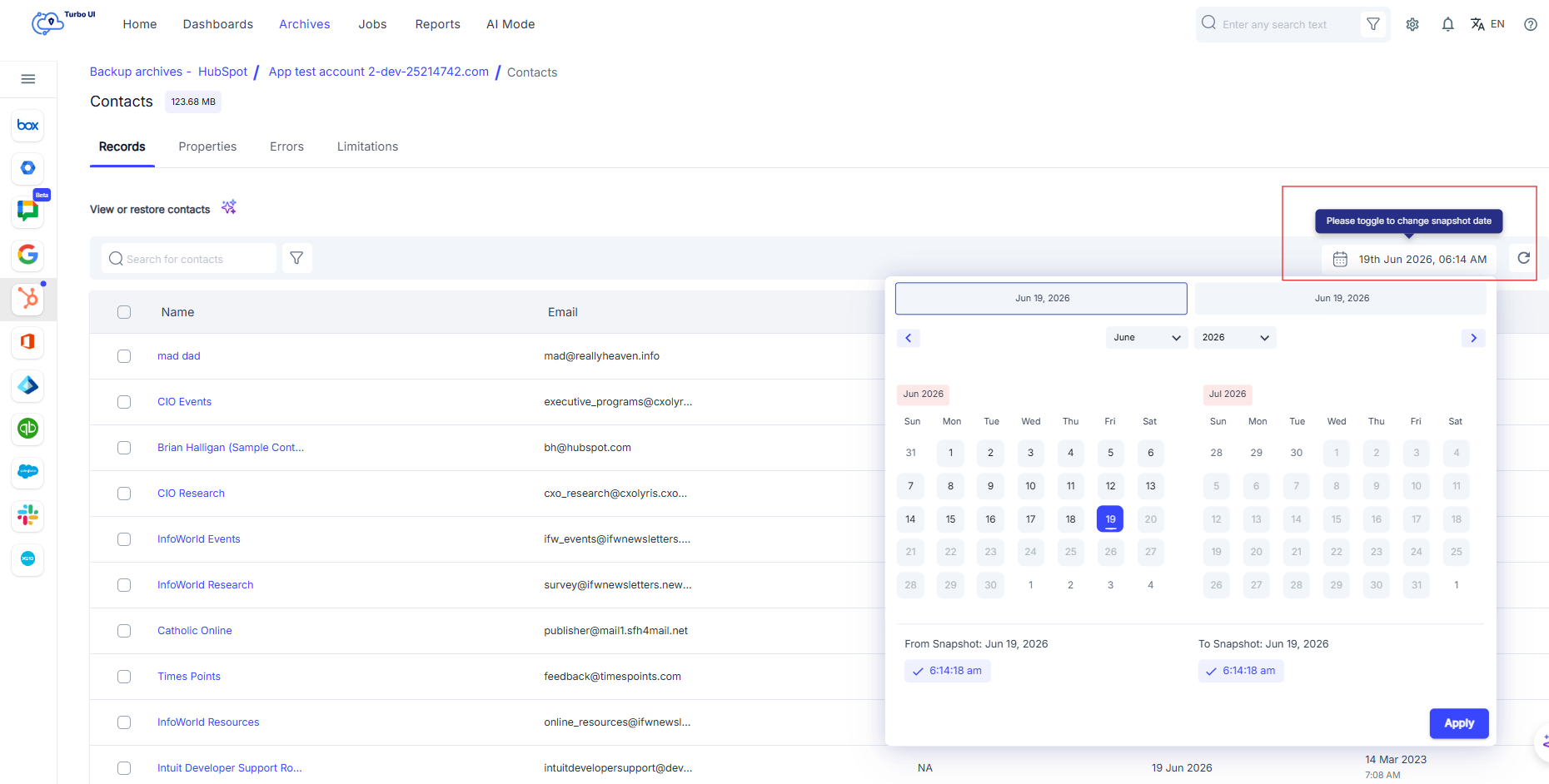
Check the option “Overwrite records” if you want the existing records to be overwritten with the selected snapshot data. Learn more. Click “Restore.”