![Untitled design (1)-Aug-01-2022-12-37-27-80-PM.png]](https://help.syscloud.com/hs-fs/hubfs/Untitled%20design%20(1)-Aug-01-2022-12-37-27-80-PM.png?height=40&name=Untitled%20design%20(1)-Aug-01-2022-12-37-27-80-PM.png)
Follow these steps to filter Gmail data in the SysCloud backup application.
Steps:
Step 1: Log in to the SysCloud backup application using your credentials.
Step 2: Go to Archives.
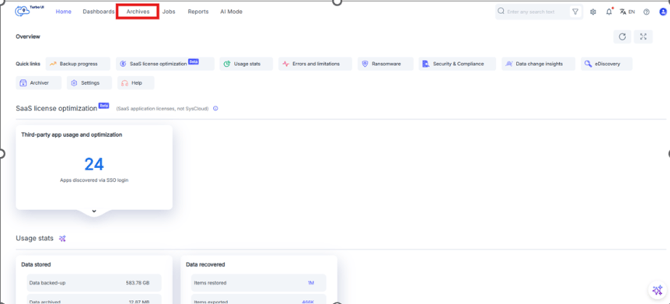
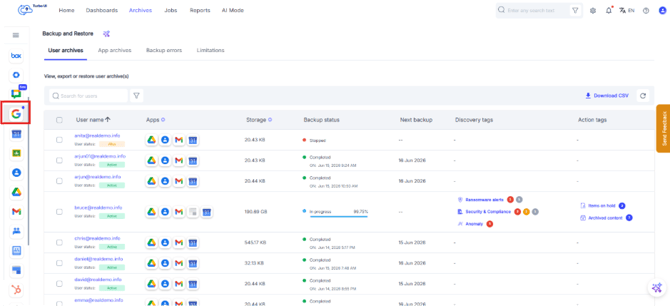
Step 3: From the cloud navigation bar on the left, select Google Workspace.
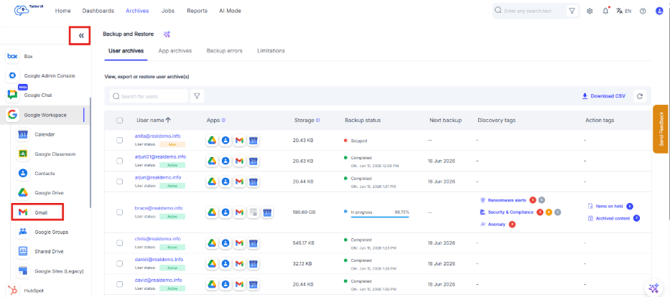
Step 4: Select the email app Gmail.
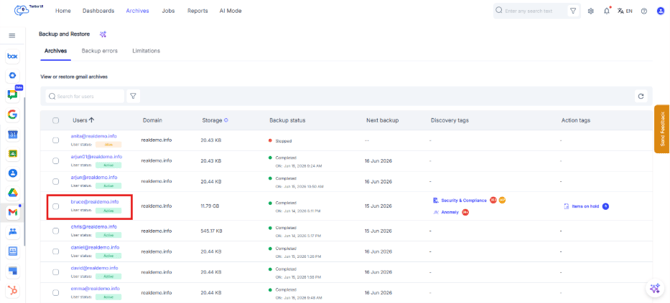
Step 5: Select the user whose email archive you want to view.
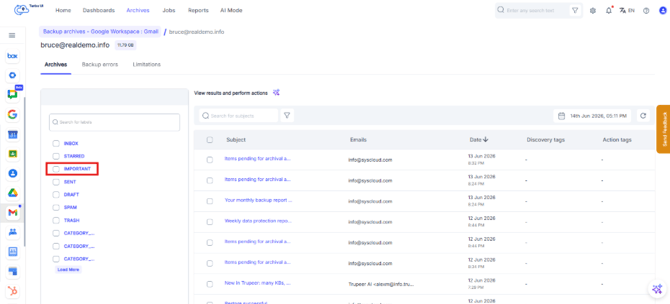
Step 6: In the user’s email archive, use the label panel on the left to select a mailbox label or folder, if required.
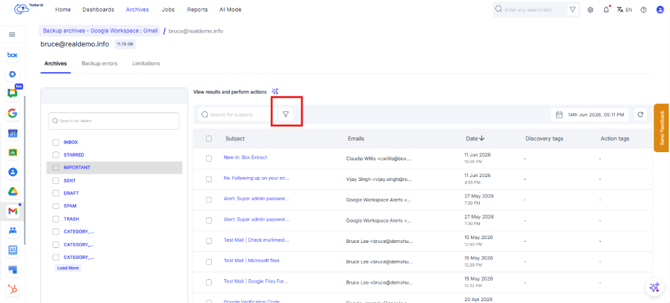
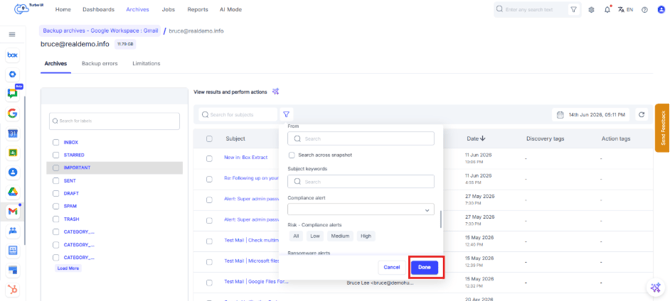
Step 7: Click the filter icon next to the search bar.
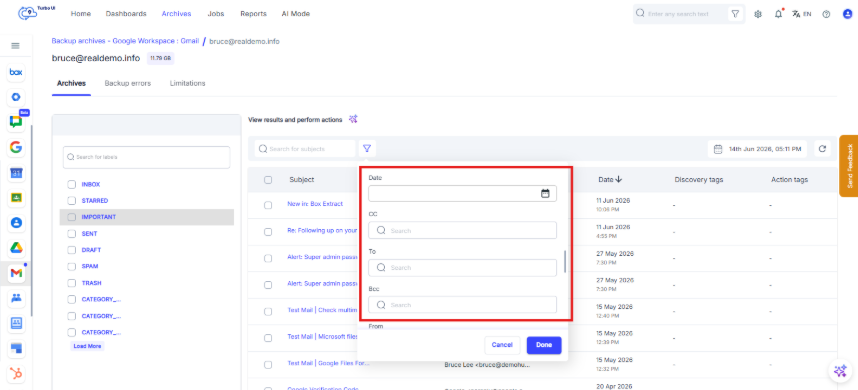
Step 8: Use the available filter options to narrow down the email archive list. You can filter by:
- Date
- CC
- To
- Bcc
- From
- Subject keywords
Step 9: When the email may exist in a different backup snapshot, select Search across snapshot.
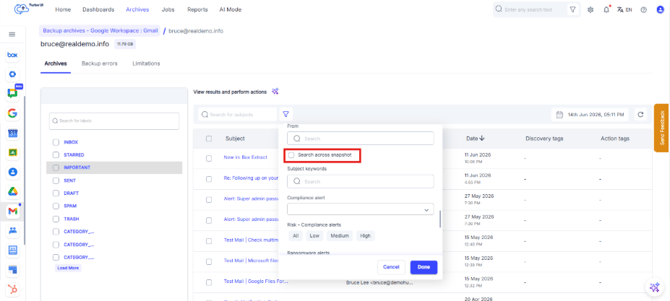
Step 10: Click Done to apply the selected filters.
You can also use the snapshot date selector in the email archive to view email data from a specific backup snapshot.