![Untitled design (1)-Aug-01-2022-12-37-27-80-PM.png]](https://help.syscloud.com/hs-fs/hubfs/Untitled%20design%20(1)-Aug-01-2022-12-37-27-80-PM.png?height=40&name=Untitled%20design%20(1)-Aug-01-2022-12-37-27-80-PM.png)
Follow the steps below to view the contents of google calendar’s backup archive:
Steps
Step 1: Log in to the SysCloud backup application using your credentials.
Step 2: Go to Archives > Google Workspace > Calendar.
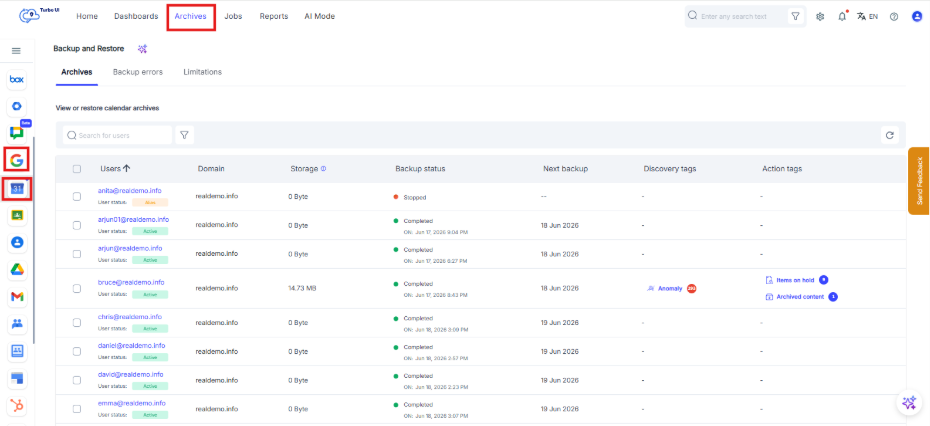
Step 3: Select the user whose Calendar archive you want to view.
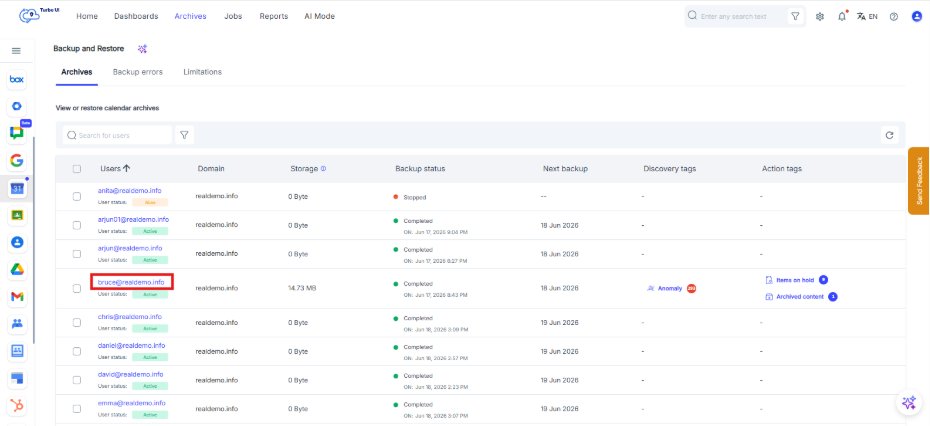
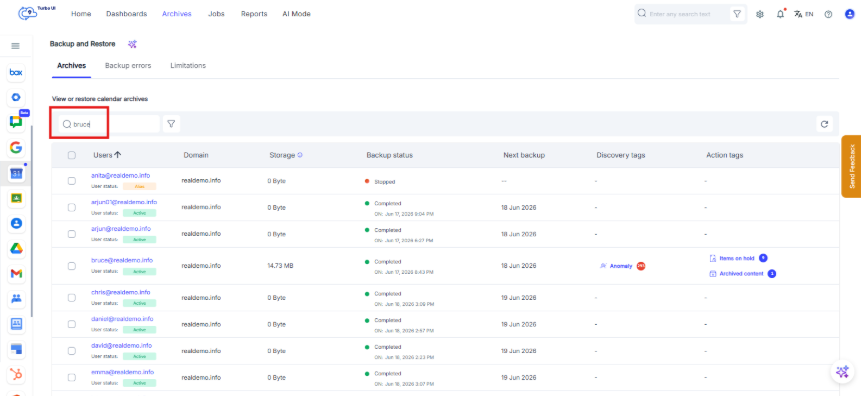
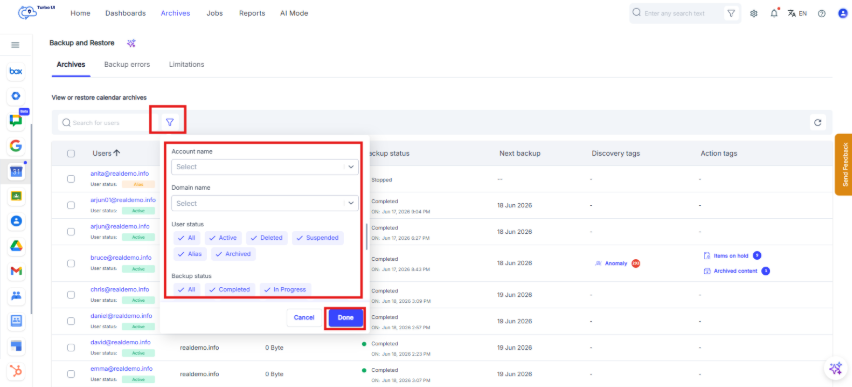
Step 4: In case the list of users is long, following ways can be used for faster search:
- Search bar: Type the name of the user and press Enter
- Use Filters to filter the users based on domain name, status, account, etc.
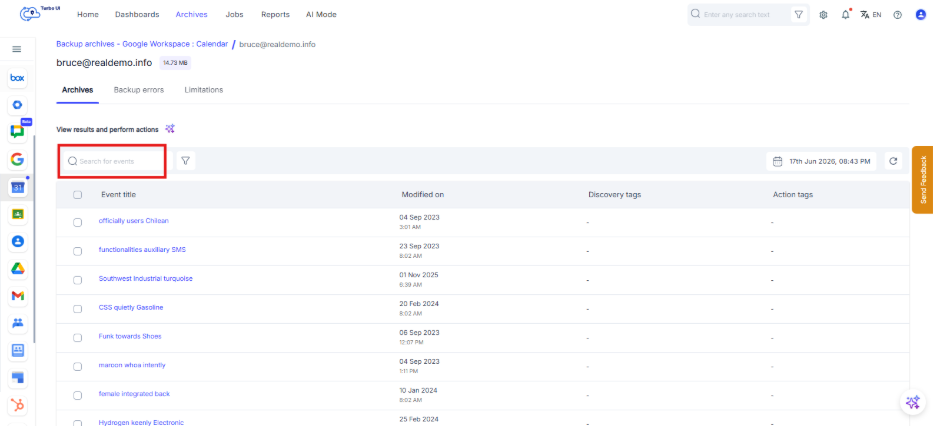
Step 5: Use the search box to search for calendar events.
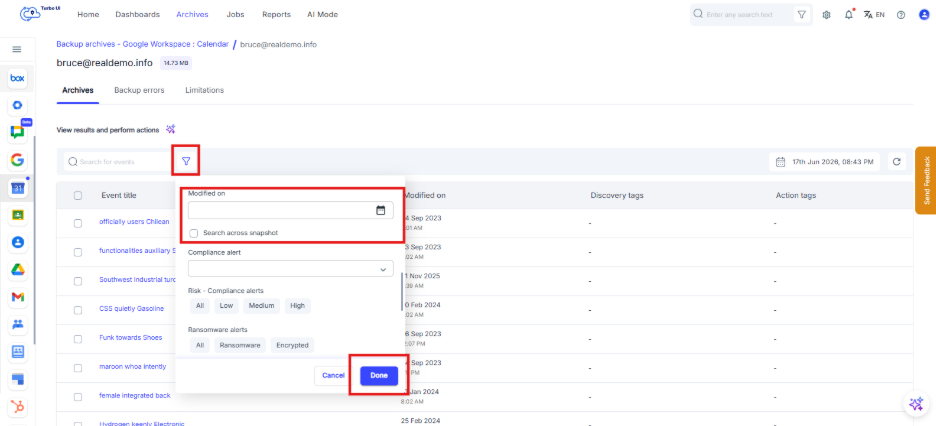
Step 6: Click the filter icon to filter calendar events using available options such as Modified on Date.
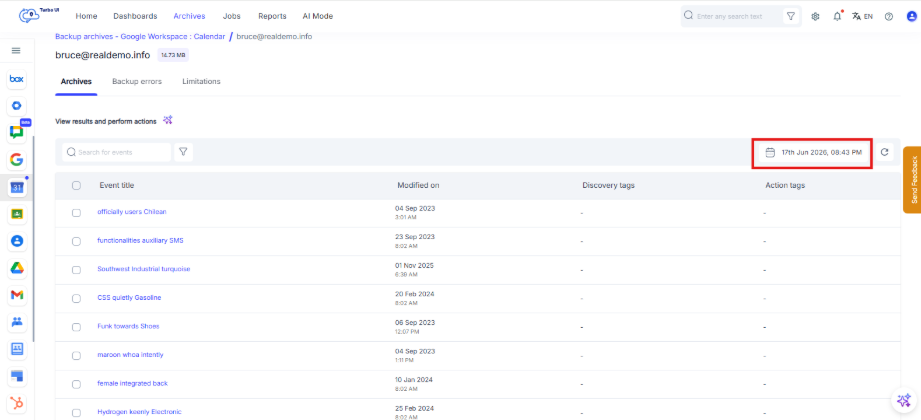
Step 7: The Snapshot Date on the top right shows that archive view currently appearing on the screen is of which date. To view calendar events from a specific backup point in time or for a range of dates, Click on the above snapshot date.
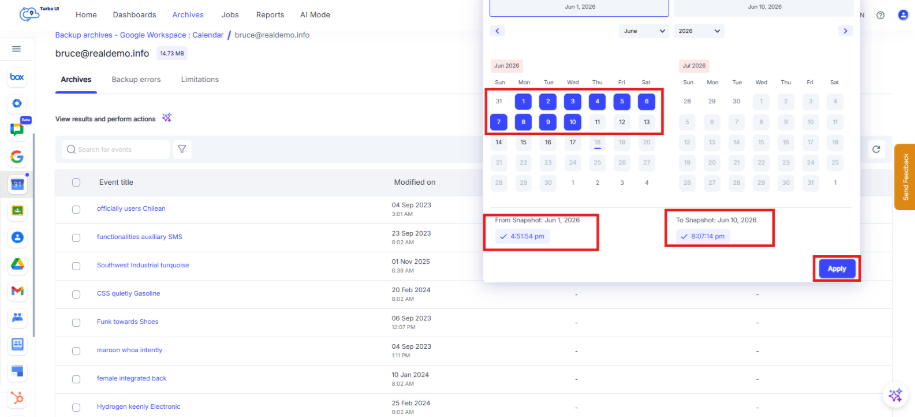
Step 8: To compare the archive view for a range of dates, From & To can be selected. For a specific point in time, both From & To dates should be same. Click on Apply.
Step 9: Click an event title to open the calendar event details in the side tray.
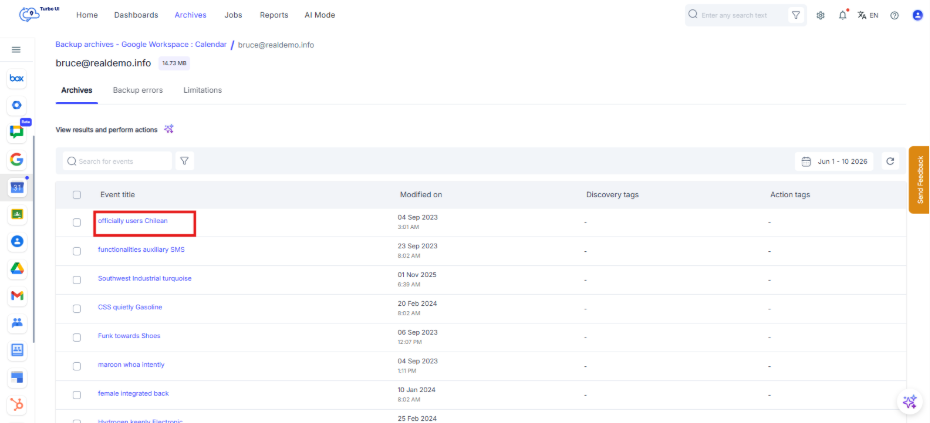
Step 10: The preview of the calendar event will open in the side tray.
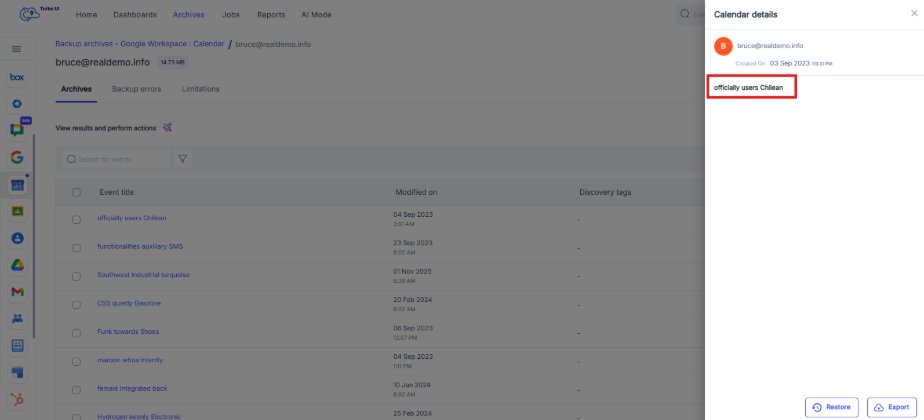
The calendar details side tray shows event information and available actions such as Restore and Export.