![Untitled design (1)-Aug-01-2022-12-37-27-80-PM.png]](https://help.syscloud.com/hs-fs/hubfs/Untitled%20design%20(1)-Aug-01-2022-12-37-27-80-PM.png?height=40&name=Untitled%20design%20(1)-Aug-01-2022-12-37-27-80-PM.png)
Step 1: Click <here> to get directed to the Partner Portal
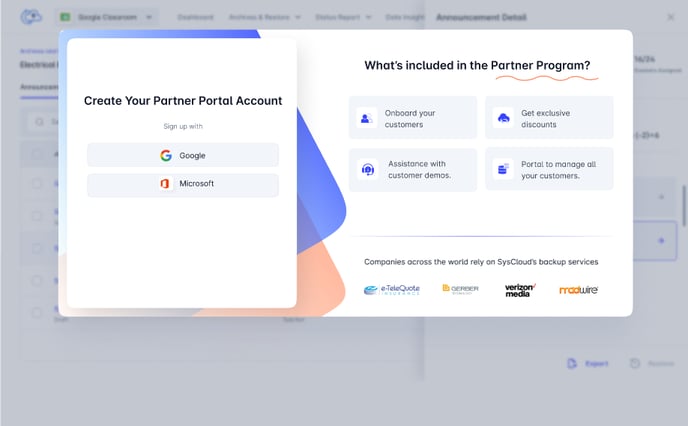
Step 2: Log in to the Partner Portal using Google or Microsoft SSO.
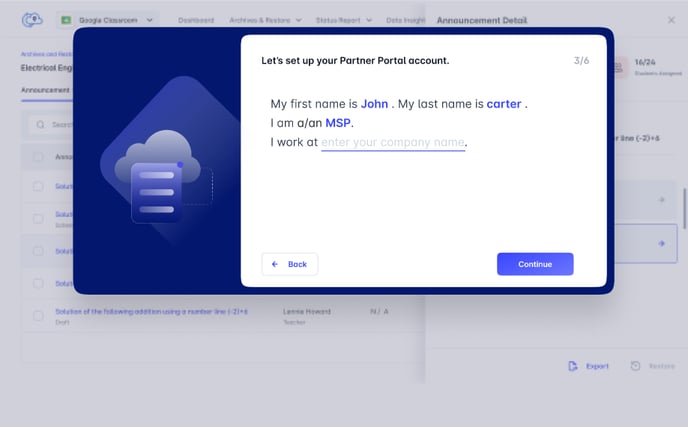
 Step 3: Enter your First and last name.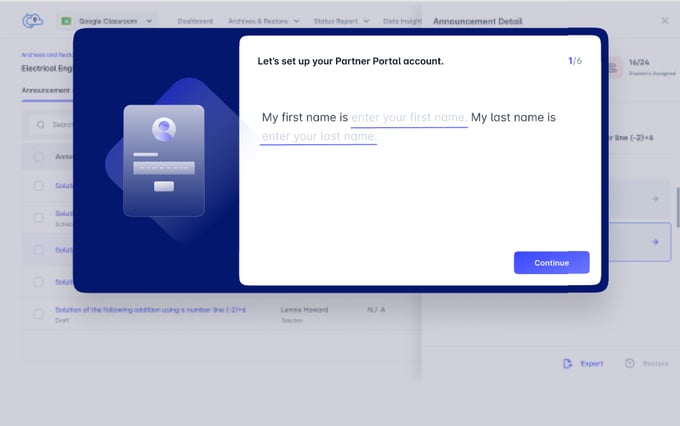
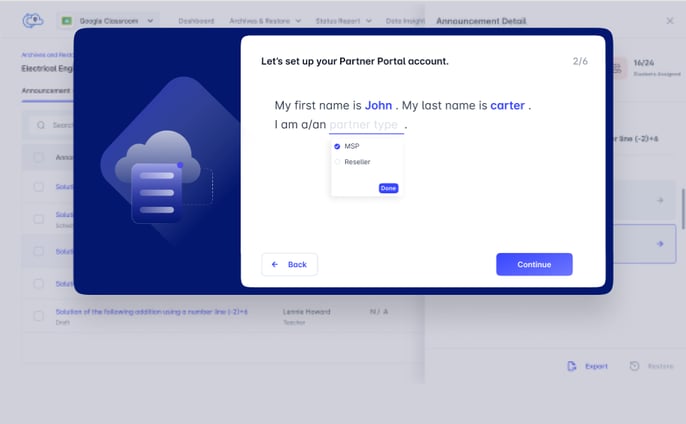
Step 4: From the drop down, select the partner type- MSP or Reseller.
Step 5: Enter the name of your company
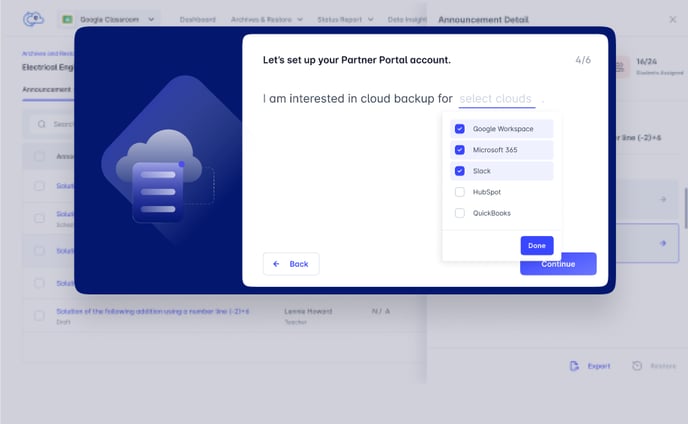
Step 6: Enter the clouds you are interested to backup with SysCloud
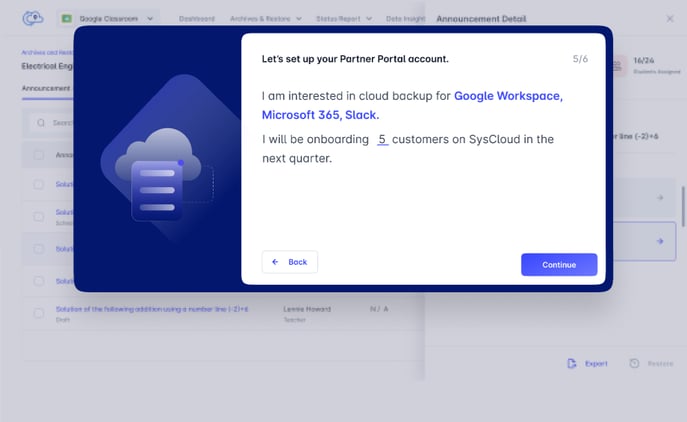
Step 7: Enter the number of customers you would be onboarding to SysCloud in the next quarter.
 Step 8: Enter your billing address.
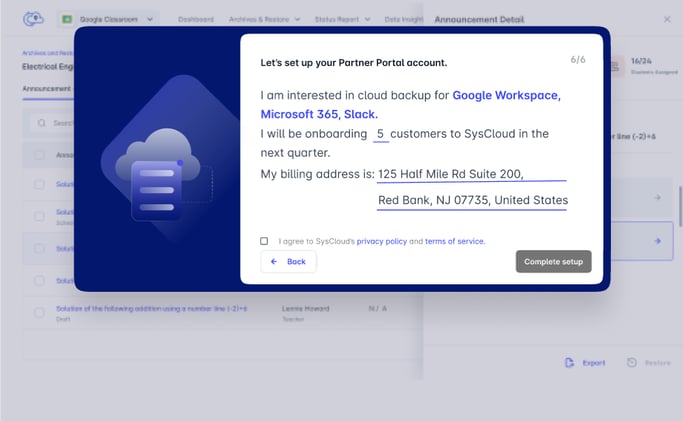 Step 9: Agree to the Privacy policy and terms of service and click on "Complete setup"
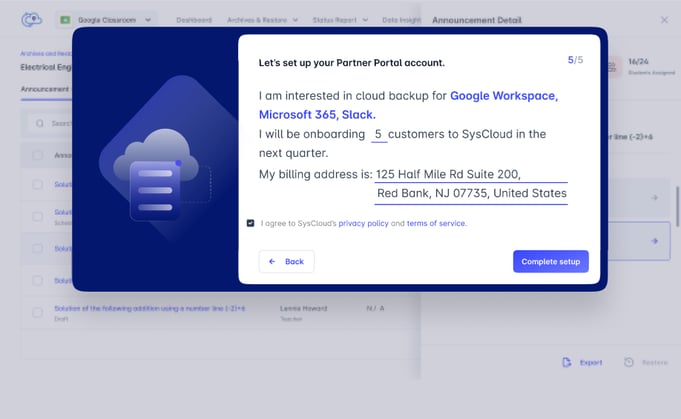
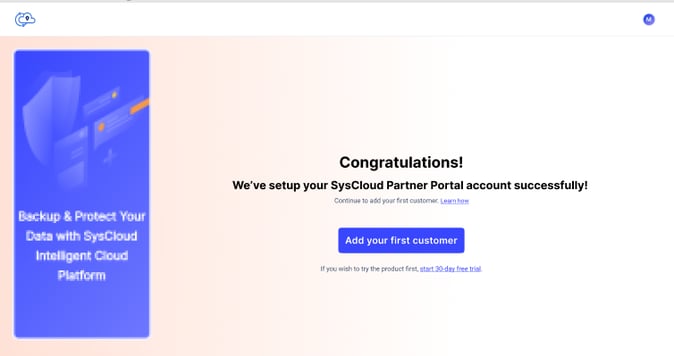
Step 10: You Partner account is now setup and you can proceed to add your customer now.