![Untitled design (1)-Aug-01-2022-12-37-27-80-PM.png]](https://help.syscloud.com/hs-fs/hubfs/Untitled%20design%20(1)-Aug-01-2022-12-37-27-80-PM.png?height=40&name=Untitled%20design%20(1)-Aug-01-2022-12-37-27-80-PM.png)
Step 1: Login to SysCloud using your admin credentials.
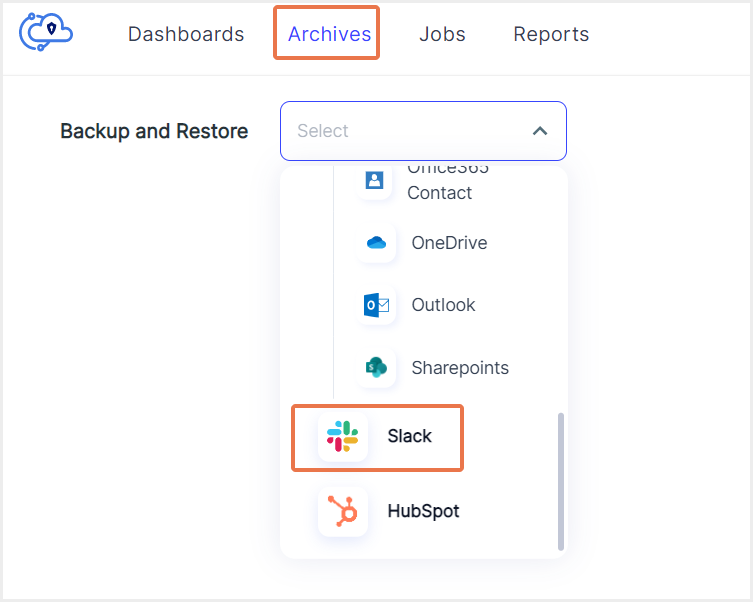
Step 2: Navigate to Archives and select Slack from the Backup and Restore drop down.
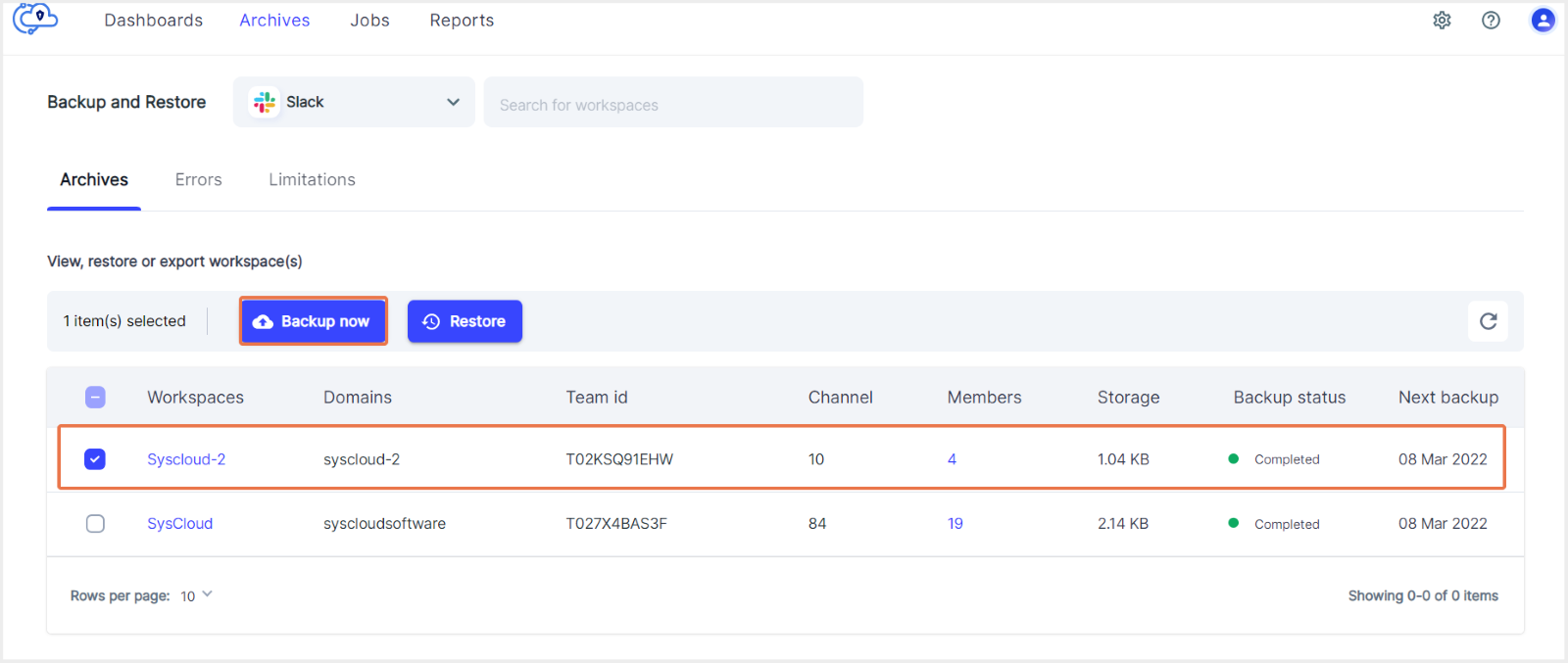
Step 3: From the backup archives, click the checkbox against the workspace(s) that you want to back up.
Note
On-demand backups can only be performed at the workspace level. You can perform an on-demand backup for multiple workspace at the same time.
Step 4: Click on “Backup now" and confirm.