![Untitled design (1)-Aug-01-2022-12-37-27-80-PM.png]](https://help.syscloud.com/hs-fs/hubfs/Untitled%20design%20(1)-Aug-01-2022-12-37-27-80-PM.png?height=40&name=Untitled%20design%20(1)-Aug-01-2022-12-37-27-80-PM.png)
- Through Google Workspace:
-
- Log in to Google Workspace with your account credentials.
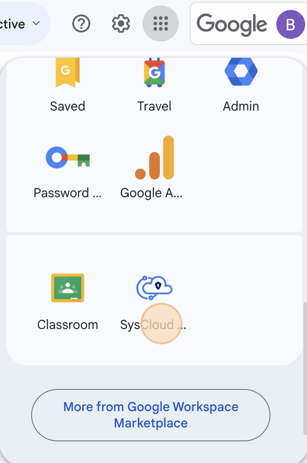
- Click on the Google Apps waffle icon.
- Scroll down and select the “SysCloud Security And Backup” icon.
-
- You will be logged in automatically.
- Through the SysCloud login page:
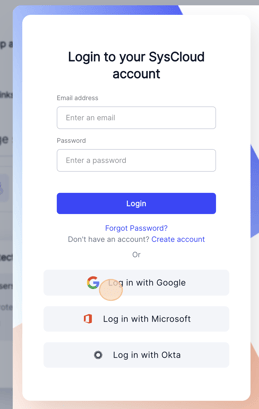
- Navigate to app3.syscloud.com
- Select the Google Cloud and log in.
Note: End-user access will be available only if your admin has turned it on in the application settings.
If you are an Office 365 user, click here.