![Untitled design (1)-Aug-01-2022-12-37-27-80-PM.png]](https://help.syscloud.com/hs-fs/hubfs/Untitled%20design%20(1)-Aug-01-2022-12-37-27-80-PM.png?height=40&name=Untitled%20design%20(1)-Aug-01-2022-12-37-27-80-PM.png)
You can sign in to SysCloud using your Xero account from the SysCloud login page. This allows users to access SysCloud through Xero authentication instead of entering SysCloud account credentials directly.
To sign in to SysCloud using Xero
Step 1: Go to the SysCloud login page.
Step 2: Click Log in with Xero.
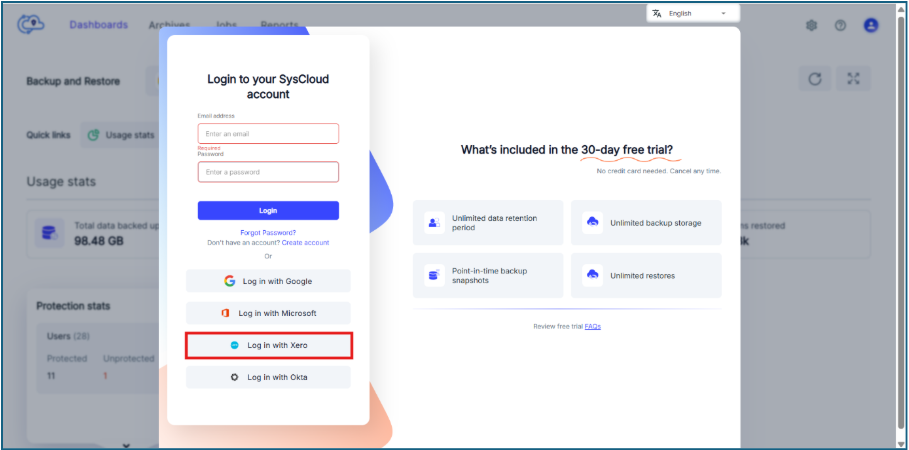
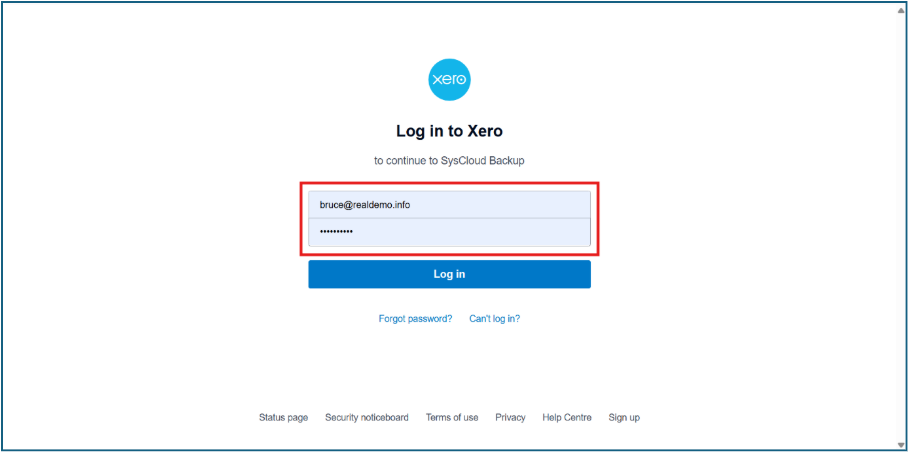
Step 3: In the Xero login page, enter your Xero account email address and password and click Log in.
Step 4: If multi-factor authentication is enabled for your Xero account, enter the 6-digit code from your authenticator app and click Confirm.
Optional: Select Trust this device if you do not want to enter the authentication code again on the same device for a certain period.
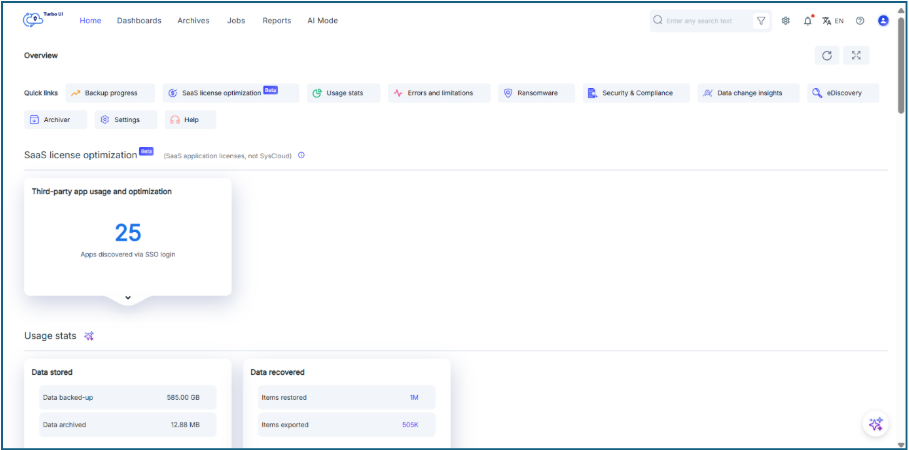
Step 5: After successful authentication, you will be redirected to the SysCloud application.
- Use the Xero account that is authorized to access SysCloud.
- If you are unable to sign in using Xero, verify that your Xero credentials are correct and that your account has the required SysCloud access.
- If multi-factor authentication is enabled in Xero, you must complete the authentication step before accessing SysCloud.